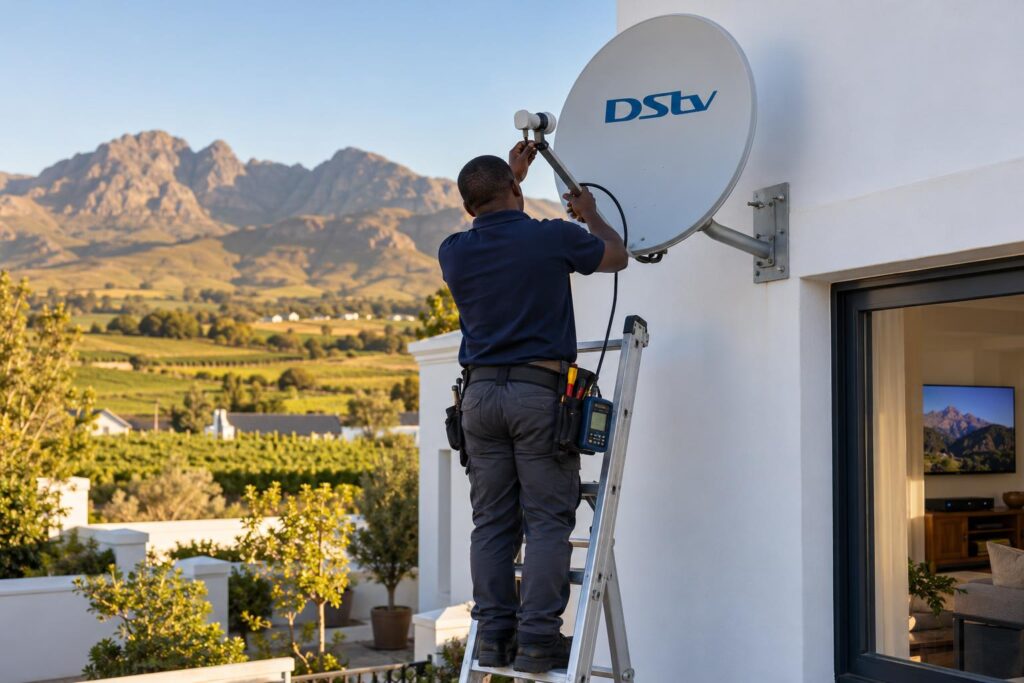
Second TV dark but the lounge decoder works fine? Our Wellington team explains the XtraView heartbeat, 7 safe home checks, and when a cable, signal or account fix is needed.
Quick answer: When DStv XtraView is not working, the second decoder has usually lost the "heartbeat" from the main decoder. Check that the primary decoder is switched on and working, then check the cable between the two decoders. If both decoders show no signal, the fault is at the dish or LNB. If the cables are fine and only the second box is blocked, DStv may need to refresh the link on your account.
If you searched "DStv XtraView not working Wellington", you are probably looking at one TV that works and one that does not. The main lounge has picture. The bedroom or flatlet TV shows an error. This guide explains why that happens, what you can safely check yourself, and when it is time to call our team.
A familiar Wellington evening: one TV works, the other does not
It is a weeknight in Dalsig. The rugby is on in the lounge, and the kids want their show in the playroom. The lounge decoder is fine, but the second TV only shows a message and a black screen.
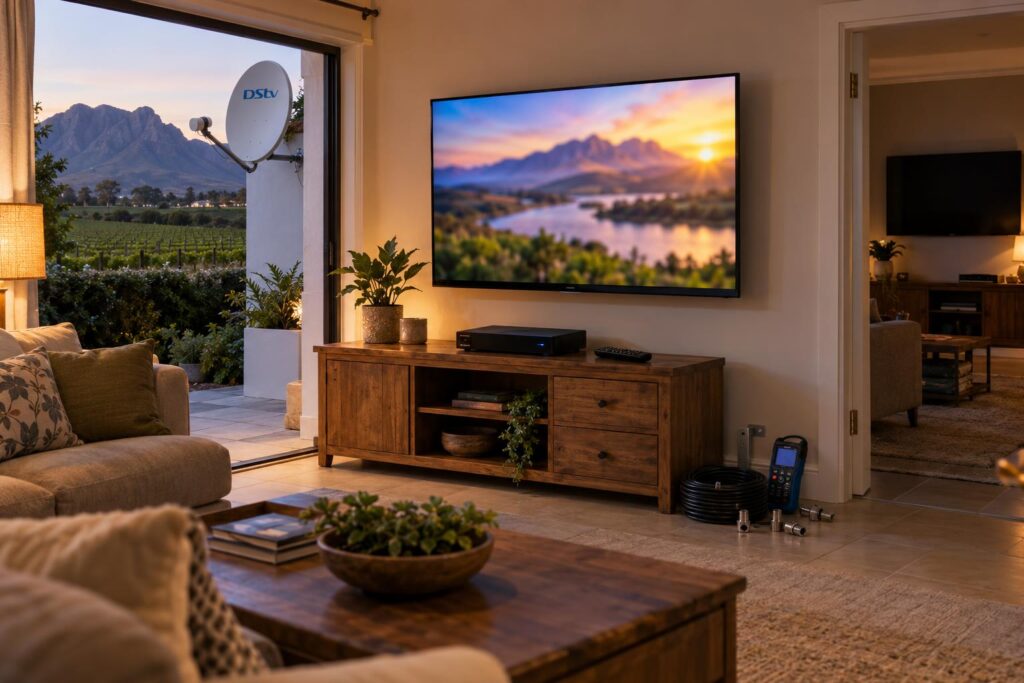
We see this pattern all over town. It happens in family homes in Hillcrest and Newton, in granny flats at the back of the plot, and on farms out towards Hermon where the second decoder sits in a cottage.
When we get a DStv XtraView not working call, most of the time nothing is broken. A cable got knocked, the main decoder was switched off, or the decoders lost touch after a power cut. The trick is to work out which of three things has failed: the satellite signal, the link between the decoders, or the account.
Key points before you start
- The second decoder only works while it hears the main decoder.
- If the main decoder is off or unplugged, the second one stops. That is normal.
- No signal on both decoders points to the dish, LNB or shared cable.
- An error on the second decoder only points to the heartbeat link or the account.
- Do not move the dish to fix an XtraView fault. It almost never helps.
DStv XtraView not working? Start with the heartbeat
XtraView lets you link two or three decoders under one subscription. You pay your normal package plus a monthly Access Fee for the extra viewing. Every linked decoder gets the same channels as the main one.
One decoder is set up as the primary. According to DStv's own XtraView guidance, the primary decoder sends a "heartbeat" to the secondary decoders. If that heartbeat stops arriving, the secondary decoder will not work. That is the root of most cases of DStv XtraView not working.
What the primary decoder does
The primary keeps working even when the link is broken. That is why the lounge TV still has picture while the bedroom goes dark.
When three decoders are linked, the primary must be a DStv Explora. DStv also suggests making the Explora or HD PVR the primary, so recordings are not lost if the link drops.
What breaks the heartbeat
DStv lists three main causes: the primary decoder is removed, it is switched off, or the heartbeat is lost through interference or cabling errors. In real homes, that usually means one of these:
- The primary decoder was switched off at the wall to save power.
- A cable behind the TV cabinet was pulled out during cleaning or moving furniture.
- A connector has worked loose or corroded.
- A splitter or multiswitch has failed after a power surge.
- A decoder was swapped, but the account still links the old one.
Heartbeat error, signal fault or account problem: how to tell
Look at both TVs before you touch anything. With DStv XtraView not working, which decoder shows the error tells you most of what you need to know.
| What you see | Most likely cause | Where to look first |
|---|---|---|
| Main TV fine, second TV blocked | Lost heartbeat or link | Primary power, cable between decoders |
| Both TVs show E48-32 or "no signal" | Satellite signal fault | Dish, LNB, shared cable, weather |
| Both TVs say service scrambled | Account or payment | MyDStv app or DStv self-service |
| Second TV fine, then blocked after a decoder swap | Account still links the old box | DStv, with smartcard numbers |
| Problem comes and goes in rain or wind | Weak signal or wet connector | Signal quality reading, outdoor joints |
If both decoders lose picture, this is not really an XtraView fault. It is a signal fault, and you can check your signal strength and quality on the decoder menu before you call anyone.
E48-32 is the code DStv uses when the decoder is getting no satellite signal. On a linked system it usually shows on both boxes at once.
DStv XtraView not working: 7 checks you can do at home
These steps are safe and will not undo your installation. Work through them in order and stop as soon as the second TV comes back.
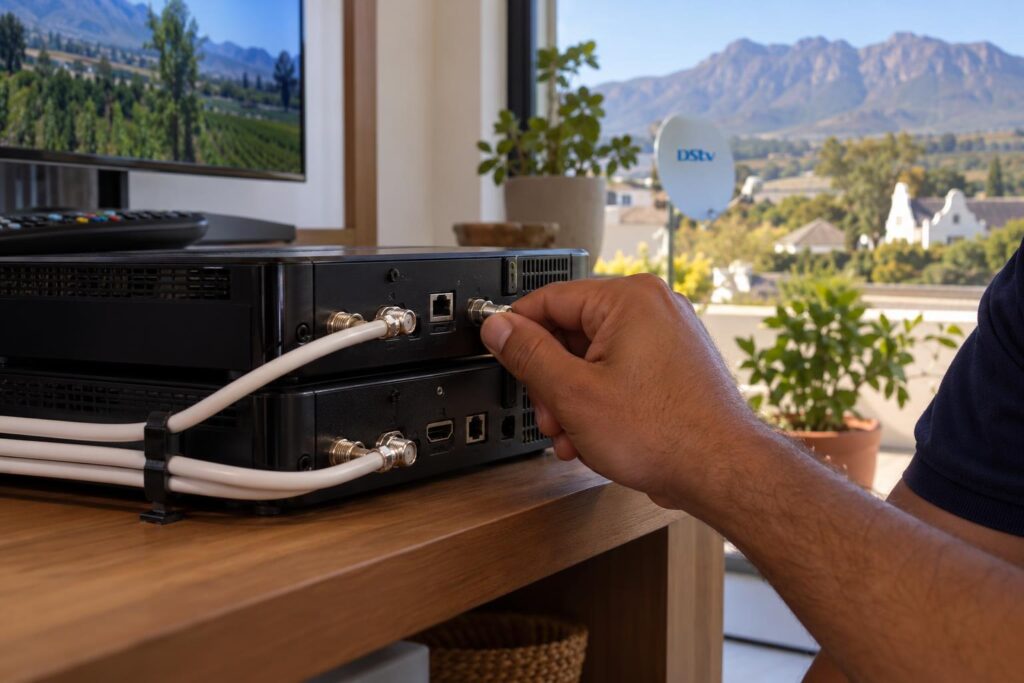
- Check the primary decoder. Make sure it is on, not in deep standby, and showing channels normally.
- Restart both decoders properly. Switch off the primary at the wall, then the secondary. Wait 30 seconds. Switch the primary on first and let it finish starting up, then the secondary.
- Follow the cables. Look behind both TV cabinets for anything loose, kinked or pulled out. A cable crushed by a heavy cabinet is a common culprit.
- Hand-tighten the connectors. Gently turn each round screw-on connector until it is snug. Do not use pliers.
- Put every cable back in its own port. If someone unplugged things to fit a new TV, compare with an old photo if you have one.
- Clear the error code. Use the MyDStv app or DStv self-service to clear errors or refresh your decoders. Leave both decoders switched on while you do this.
- Write down what you see. Note the exact code, which TV shows it, and what changed just before it started.
If a cable looks damaged, our guide to decoder cables and connections shows what each lead does, so you can tell us which one is the problem.
Local tip: After load shedding or a storm, always switch the primary decoder on first. If the secondary starts first it may sit on an error until the primary is fully up.
Power problems cause a lot of XtraView calls in the Boland. Our article on protecting your TV during load shedding covers surge protection and backup power that keeps the primary running.
Second TV still dark?
Send us the error code and a photo of the back of both decoders. We can often tell what is wrong before we arrive.
Why XtraView drops out in Wellington homes
Wellington homes have their own patterns. The causes of DStv XtraView not working below are the ones our technicians run into again and again across the valley.
Long cable runs on farms and smallholdings
Out in Bovlei, Hermon and towards the Paarl side, the second decoder is often in a cottage or a staff house far from the main house. Long runs lose signal, and every joint is a weak spot. Cable laid on the ground or clipped along a fence gets cut by lawnmowers, chewed by rodents or cooked by the summer sun.
Renovations and moved furniture
In older homes in Wellington town and Hillcrest, people repaint, move the TV wall or put in a new cabinet. One lead gets left out or plugged into the wrong port. The main TV still works, so nobody notices until the second room goes quiet.
Older setups and decoder swaps
Many homes in Uitsig, Mbekweni and Newton still run older XtraView wiring that was set up for different decoders. When an Explora replaces an older box, the cabling sometimes needs to change too. DStv recommends a Smart LNB with an 80cm dish for most XtraView installations, and older dishes do not always have one. If you are thinking about an upgrade, compare the Explora vs HD decoder first.
DStv XtraView not working after a weekend away
If you take the primary decoder to a holiday home, every decoder left behind stops working. DStv advises that you tell them first so the decoder can be removed from your XtraView setup. Read about using a decoder at another house before you pack it in the car.
DStv XtraView not working after the basics: your options
If the home checks did not help and you still have DStv XtraView not working, there are four real fixes. Which one you need depends on what you found in the table above.
Ask DStv to re-link the decoders
If the cables are fine and the decoders were recently changed, the account may not match the hardware. DStv needs to link the decoders on your account for XtraView to bill and work correctly. Have both smartcard numbers ready.
Repair or rewire the heartbeat link
This is the most common job we do on XtraView. We test the cable between the decoders, replace bad connectors and fix the splitter or multiswitch. Our Extra View setup and repair service covers the linking, the cabling and a channel test in every room.
Fix the signal first
If both TVs drop out, the heartbeat is not the real problem. A drifted dish, a tired LNB or water in a joint will affect every decoder in the house. That is a job for our DStv signal repairs team, who meter-test the whole chain from dish to decoder.
When DStv XtraView not working means a faulty decoder
Sometimes the decoder itself has failed. DStv can disconnect a faulty decoder from your XtraView. If that decoder was the primary, the cabling must change to link the remaining decoders.
Most XtraView faults are fixed in one visit. Our repair call-out starts from R550, and parts are extra. You can see typical ranges for multi-room work in our installation cost guide.
A few things make the visit quicker:
- Know which decoder is the primary. It is usually the one in the main lounge.
- Keep both smartcard numbers handy for any account changes.
- Clear a path to both TV cabinets and the roof access.
Your XtraView checklist before you call us
Run through this short list whenever you have DStv XtraView not working. It saves time on the phone and often saves a call-out.
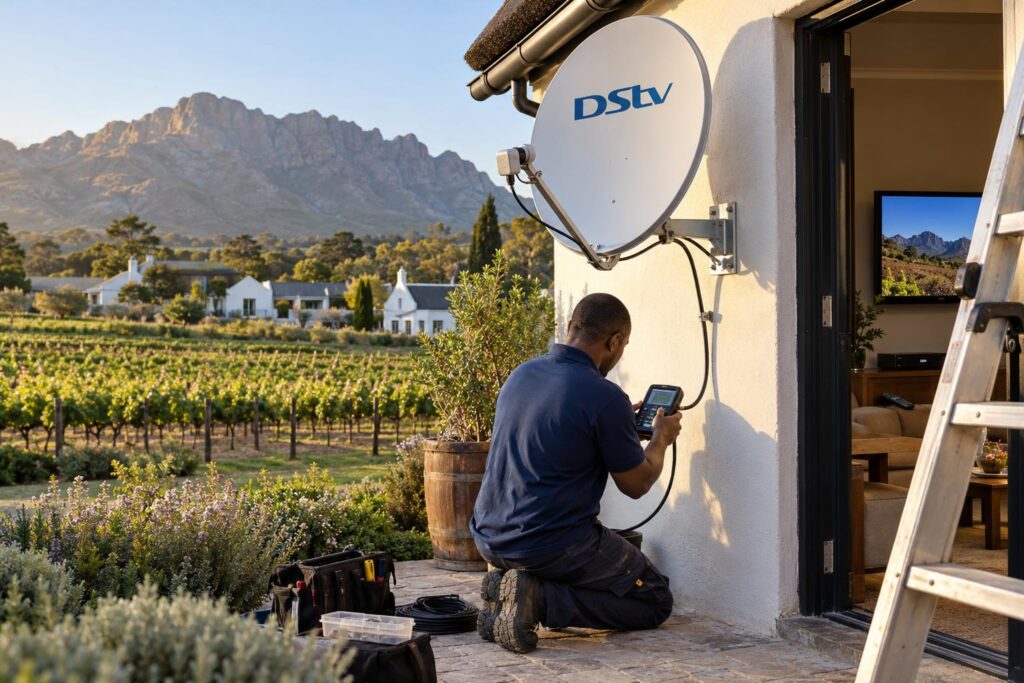
- Primary decoder on and showing channels
- Both decoders restarted, primary first
- All connectors snug and in their original ports
- Error code written down, with which TV shows it
- Note of any recent power cut, storm, move or new decoder
- Photo of the back of both decoders
If you have done all of this and the second TV is still blank, it is time for a technician. Booking DStv installation in Wellington with a local team means we check the dish, the cables and the decoders in one visit.
We cover Wellington town, Newton, Uitsig, Hillcrest, Dalsig and Mbekweni, plus the farms in Bovlei and Hermon. Calling our Wellington DStv installers gets you someone who knows how houses in the valley are wired.
Get every room watching again
We fix XtraView heartbeat faults, rewire multi-room setups and test every TV before we leave. Same or next day on most repairs.
Most cases of DStv XtraView not working come down to power, a cable or the account. Start with the primary decoder, work through the checks, and call us when the simple fixes run out.
DStv XtraView not working: Wellington FAQs
Why is my DStv XtraView not working on the second TV only?
The second decoder relies on a heartbeat from the primary decoder. If the primary is off, unplugged or the cable between them is faulty, the second decoder stops. Switch on the primary first, then restart the second decoder and check the cables. That is the most common reason for DStv XtraView not working on one TV.
What is the DStv XtraView heartbeat?
It is a signal the primary decoder sends to the secondary decoders. It confirms they are linked on the same account. If it stops arriving, the secondary decoder will not show channels.
Can I switch off my main decoder with XtraView?
You can, but the other decoders will stop working while it is off. The primary decoder must be on for the secondary decoders to receive the heartbeat. Leave it in normal standby rather than switching it off at the wall.
Is DStv XtraView not working after load shedding a common problem?
Yes, it is one of the most common causes we see. Switch the primary decoder on first, wait for it to start fully, then switch on the secondary. If it still fails, a surge may have damaged a splitter, multiswitch or power supply.
How do I fix DStv XtraView not working after a decoder swap?
The account may still link your old decoder. Contact DStv with both smartcard numbers so they can link the new decoder. The cabling may also need changing if the primary decoder was replaced.
Can bad weather stop XtraView working?
Heavy rain can cut the satellite signal to every decoder in the house. That shows as a no signal error on both TVs, not a heartbeat error. If it happens in light rain, the dish or a connector needs attention.
Need a hand with this?
We are a quick call or WhatsApp away. Tell us what you are after and we will sort it: neatly, and the first time.
Get a quote →