Learn how to check DStv signal strength and quality on your decoder in six simple steps, what the numbers mean, and what Wellington homes can do when readings drop.
Quick answer: On most DStv decoders, press the Help button on the remote, choose General Information, then Tuner Status. You will see two bars: signal strength (how much signal arrives) and signal quality (how clean it is). DStv's own guidance is that both should sit above 50%. Quality is the number that matters most, and if it is low while strength looks fine, the dish usually needs realigning.
This guide to DStv signal strength Wellington homeowners can follow takes about two minutes and needs nothing more than your remote. We will show you where the readings live, what the numbers actually mean, and how to tell a weather blip from a real fault. It is the same check our team does first on every callout.
Most people only look at their DStv signal strength when the picture freezes. That is fine. But a quick look on a good day gives you a baseline, and a baseline is the most useful thing you can have when something goes wrong later.
Key points before you start
- Signal strength and signal quality are two different readings.
- Quality tells you far more about your picture than strength does.
- Readings above 50% should give a watchable picture, but more headroom is better in winter.
- A strong reading with poor quality usually means the dish is slightly off target.
- Never adjust a dish by watching the TV bar. A small nudge makes a big difference.
What you need before you check your DStv signal strength
You do not need tools or a ladder for this part. You only need the decoder, the TV and the DStv remote that came with the decoder.
- The decoder switched on and fully started, not still on the welcome screen.
- A channel tuned in, even if it is pixelating or showing an error.
- Your DStv remote with working batteries.
- A pen and paper, or your phone, to note the two numbers.
- If it is raining, a second check later on a dry day.
Why two readings and not one
DStv signal strength is the volume. It tells you how much signal is reaching the decoder through the cable. Signal quality is the clarity. It tells you how cleanly the decoder can read that signal.
Think of a radio station. You can turn it up loud, but if it is full of crackle, you still cannot follow the song. A dish can be the same: lots of signal, not much of it usable.
How to check DStv signal strength on your decoder, step by step
The menu path is very similar on the DStv HD single view decoder and the Explora range. Older PVR models keep the same readings under an information menu instead.
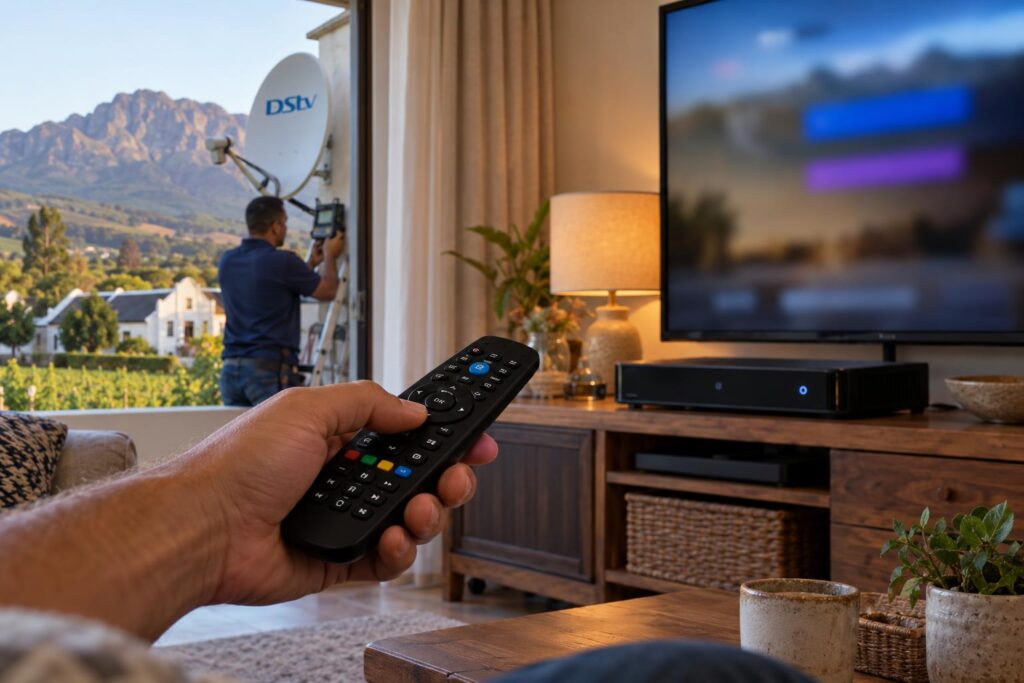
- Go to a normal channel. Pick a channel you watch often, so you are reading a real transponder.
- Press the Help button on your DStv remote. On some remotes it is marked with a question mark.
- Select General Information. Use the arrow keys and press OK.
- Select Tuner Status. You will see bars or percentages for signal strength and signal quality.
- Write both numbers down. On an Explora you may see more than one tuner. Note each one.
- Change to a different channel group and check again. Channels sit on different transponders, so one weak group can hide behind a strong one.
On an older HD PVR, the same readings appear under Information Central, then Signal Status. If your menu looks different, look for any screen called tuner, signal or diagnostics.
Local tip: Do your baseline check on a clear, still afternoon. In Wellington the wind off the Hawequa side can rock a loose bracket, so a calm day gives you a number you can trust.
What the DStv signal strength and quality numbers mean
Here is the part most people want. These are the patterns we see over and over on real jobs, from Newton to Hillcrest.
| What you see | What it usually means | Likely next step |
|---|---|---|
| Strength and quality both high and steady | A healthy setup with room for bad weather | Nothing. Note the numbers as your baseline |
| Both just above 50% | It works, but there is little margin | Expect breakup in heavy rain. Consider a realignment |
| Strength high, quality low | Dish slightly off target, or a tired LNB | Meter alignment and LNB test |
| Strength low, quality fair | Signal lost along the way | Check cable, connectors and wall plate |
| Both at 0% | No signal reaching the decoder | Check cables, then the LNB and dish |
| Numbers jumping up and down | Loose connector or a dish moving in the wind | Inspect fittings and bracket |
What is a good DStv signal strength reading?
DStv's own guidance is that DStv signal strength and quality should both be above 50%. Below that, you may lose channels or see the picture break into blocks. On our own installs we aim well above the minimum. That extra headroom is what carries you through a Boland winter storm.
Also remember that readings differ a little between decoder models. Compare your decoder with its own past numbers, not with your neighbour's box.
Signal strength 100, signal quality 0
This one confuses a lot of people. It means signal is arriving, but the decoder cannot read any of it. The usual causes are a dish pointing at the wrong spot, a faulty LNB, or a fault in a multi-room switch. Our guide to when a Smart LNB needs replacing explains how to tell if the LNB is the weak link.
Troubleshooting each step when the readings look wrong
Most problems show up at one of the steps above. Here is what to do at each point when your DStv signal strength looks wrong.
Step 1 to 2: the screen shows an error, not a channel
If you see E48-32, DStv links that code to stormy weather and rain. If the sky is clear, check that the cables from the dish are pushed in properly at the back of the decoder.
Then switch the decoder off at the wall, wait at least 10 seconds and switch it back on. That is the same fix DStv gives on its E48 searching for signal help page.
Step 3 to 4: the menu opens but both bars are empty
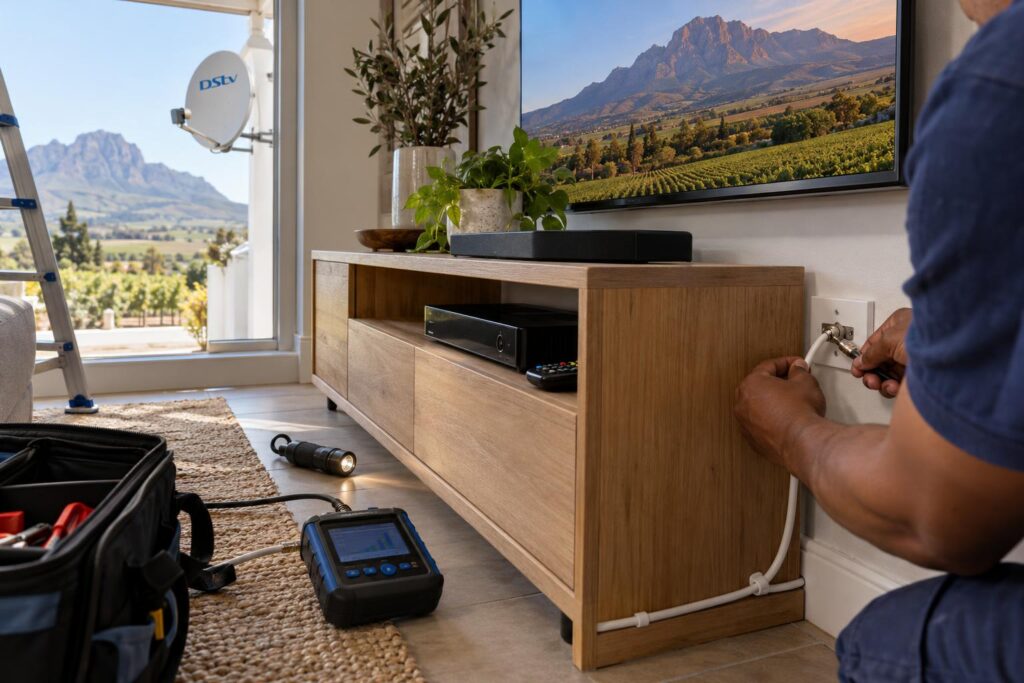
Empty bars on a clear day mean the signal is not reaching the box. Start at the back of the decoder and work outwards.
- Reseat the cable at the decoder, finger tight only.
- Check the wall plate for a loose or green, corroded connector.
- Follow the cable outside and look for cuts, kinks or chewed sections.
- Check the cable has not been crushed by a window or a gate.
If you are unsure which lead does what, our explainer on DStv decoder cables and connections walks through each one.
Step 5: one tuner reads fine and another reads poorly
On an Explora or a multi-room setup, each tuner has its own feed from the LNB. One weak tuner points at a single cable run or one LNB output, not the whole dish. If you also run a second room and it keeps losing its link, read about XtraView heartbeat errors and fixes before you assume the signal is to blame.
Step 6: some channel groups are fine, others are weak
This is classic slight misalignment. The dish is catching the edge of the satellite beam. It will often look fine on a sunny day and fail at the first heavy shower.
Local factors that pull down DStv signal strength in Wellington
Wellington is not a coastal town, so salt air is rarely our problem. Here, the valley, the wind and the trees do most of the damage.
Wind and the mountains
Wind coming down off the mountains works on brackets year after year. A dish that drifts only a degree or two can still show decent DStv signal strength while quality drops. Homes higher up toward Bovlei and the exposed farm plots feel this most. When we visit, our satellite dish alignment service sets the dish with a meter and fits a bracket that will stay put.
Trees, extensions and the line of sight
The dish needs a clear view toward the north-east. Mature oaks in the older parts of Wellington town grow into that path season by season. In busier areas like Mbekweni and Uitsig, a neighbour's new second storey can do the same overnight. We cover this in more detail in our piece on dish line of sight problems.
Farms and long cable runs
On farms around Hermon and out toward the Paarl side, the dish is often far from the lounge. Every extra metre of cable loses a little signal, and cheap cable loses more. That shows up as low DStv signal strength with fair quality.
Load shedding and power surges
After a power cut, give the decoder a few minutes to start fully before you judge the readings. Repeated surges can also damage a decoder or its power supply. If the bars stay empty after power returns, check the cables first, then the box.
Readings low or jumping around?
Send us a photo of your Tuner Status screen on WhatsApp. We will tell you straight away if it looks like alignment, cabling or the LNB.
On-screen bars vs a proper signal meter
The Tuner Status screen is a good DStv signal strength health check. It is not an alignment tool. The bars update slowly, and by the time they move, the dish has already passed its best point.
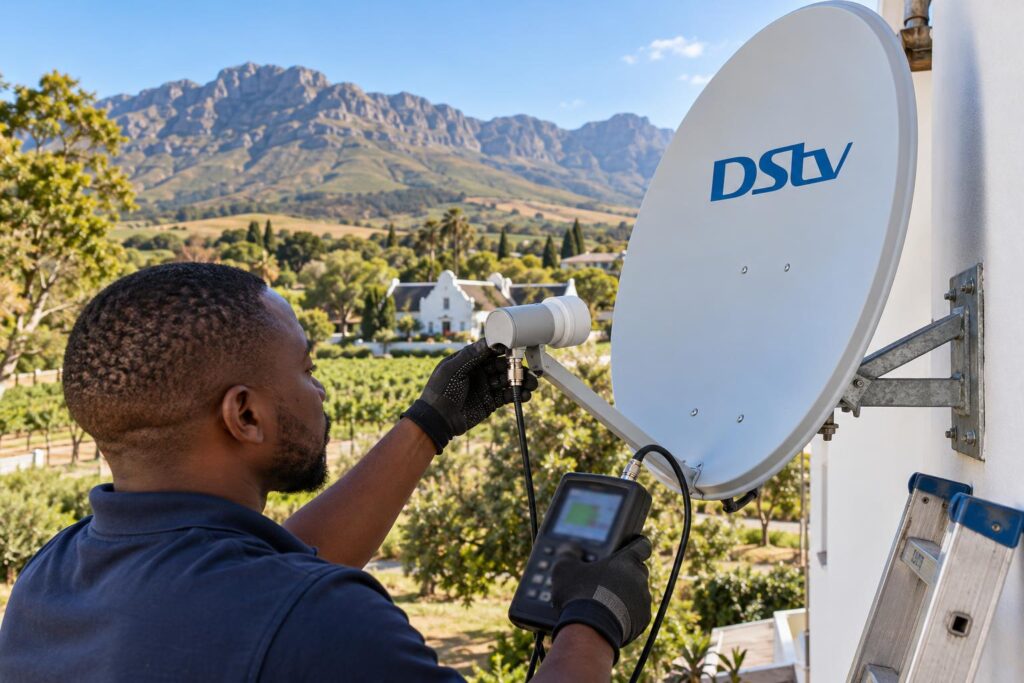
A satellite signal meter reads the signal right at the dish, in real time. That is how a technician finds the true peak and then locks the bolts down without losing it.
- The meter shows the exact peak, not a delayed bar.
- It can test the LNB output before the cable, so we know where the loss starts.
- It lets us set the LNB skew correctly, which the TV bar cannot really show.
- It gives a reading we can leave with you as a record.
Our technicians carry calibrated meters on every job for this reason. It is one of the main differences between a quick fix and a proper DStv installation in Wellington that stays put for years.
How to increase DStv signal strength and quality safely
There are a few things you can do yourself. The rest needs a ladder, a meter and some experience.
Safe things to try at home
- Restart the decoder at the wall plug and wait for it to start fully.
- Reseat every cable connection inside the house.
- Look at the dish from the ground for obvious tilt or a hanging cable.
- Note whether problems only happen in rain. Our article on why signal drops in rain explains what is normal.
Jobs to leave to a technician
Climbing onto a roof to turn the dish by eye usually makes things worse. A wet roof in Dalsig in July is no place to guess. Realignment, LNB replacement and new cable runs are what our DStv signal repairs team does every day.
Cost is often less than people fear. Our installation cost guide puts a dish realignment at about R450 to R850, depending on access and what we find. Equipment such as a new LNB is extra.
When to call our Wellington technicians
Call us if your DStv signal strength or quality sits near or below 50% on a dry day, if the numbers jump around, or if one channel group keeps dropping. Those are signs the margin has gone. It is far cheaper to realign a dish than to replace a cable that has filled with water over a winter.
Give us the two numbers, the decoder model and your area, and we can usually tell you on the phone what we expect to find. Our local DStv installers in Wellington cover the town and the surrounding farms, from Newton to Bovlei.
We will also show you the final readings before we leave. That way you have a fresh baseline for next time.
Get your signal back to full health
Meter-tested alignment, sealed connectors and honest advice across Wellington and the Boland.
DStv signal strength in Wellington: common questions
These are the questions we hear most often from homeowners around town.
What is a good DStv signal strength?
DStv's guidance is that signal strength and signal quality should both be above 50%. Below that, you may lose channels or see pixelation. We aim higher on our own installs so the picture holds in heavy rain.
How do I check DStv signal strength on an Explora?
Press the Help button on the remote, choose General Information, then Tuner Status. You will see strength and quality readings for the tuners. Check more than one channel group for a fair picture.
Why is my signal strength 100 but quality 0?
Signal is reaching the decoder, but it cannot read it. This usually points to a dish aimed slightly wrong, a faulty LNB or a multi-room switch problem. It needs a meter check at the dish.
Can I increase DStv signal strength myself?
You can restart the decoder and reseat loose cables, which fixes a fair number of problems. Moving the dish by eye is risky and usually makes the reading worse. Realignment is best done with a proper signal meter.
Does rain affect DStv signal strength in Wellington?
Heavy rain and storms can briefly weaken any satellite signal, and DStv links error E48-32 to stormy weather. If the picture fails in light drizzle, the dish has too little margin. A realignment usually solves it.
How much does a dish realignment cost in Wellington?
Our installation cost guide puts a dish realignment at about R450 to R850. The final price depends on roof access and what we find on site. Parts such as a new LNB are extra.
Need a hand with this?
We are a quick call or WhatsApp away. Tell us what you are after and we will sort it: neatly, and the first time.
Get a quote →