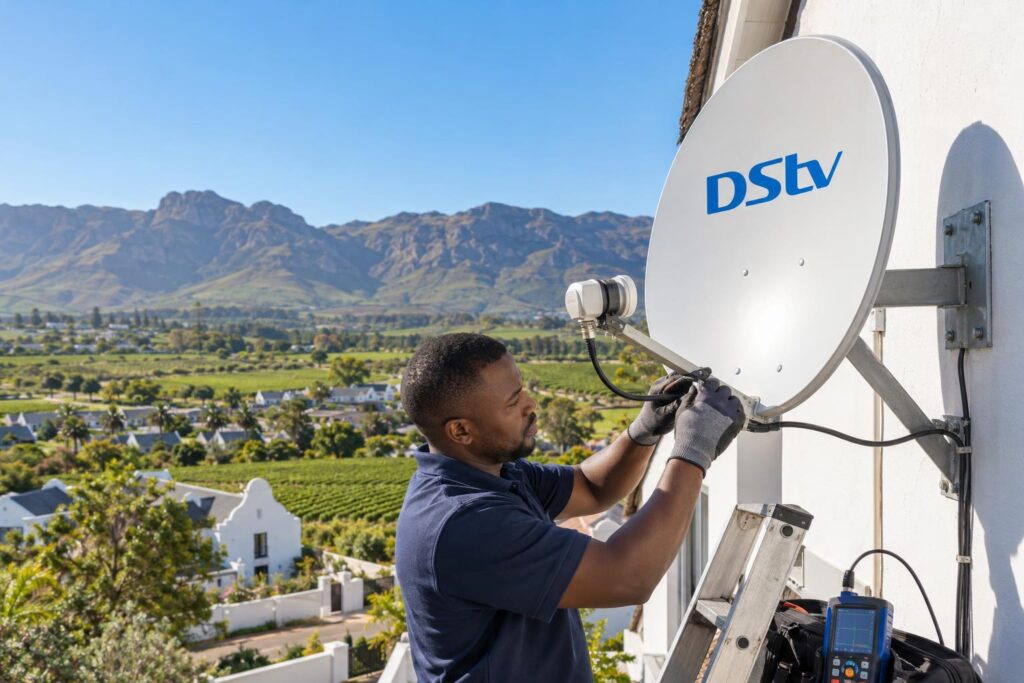
Activate your OpenView decoder in minutes with the USSD code, WhatsApp or the call centre. Our Wellington team clears up the common myths and shows what to check first.
Quick answer: To activate an OpenView decoder, press HELP on the remote to see your STB number. Then dial *120*6843*1# on your cellphone and enter that number when asked. You can also WhatsApp OpenView on 082 966 6429 or call 0861 696 843. Keep the decoder on and connected to the dish while it reboots, which takes a few minutes.
This guide shows how to activate OpenView decoder Wellington homes buy at the shops, step by step. Most calls we get start the same way: "I bought the box, plugged it in, and nothing happens." That is normal. A new decoder arrives switched off from the network side, and it needs one short step on your phone to wake it up.
Myth vs fact: how to activate OpenView decoder boxes
People pick up a lot of half truths at the till, from a neighbour or from old forum posts. Some of it cost them an afternoon. Here are the four we hear most often in Wellington, and what is actually true about how to activate OpenView decoder boxes.
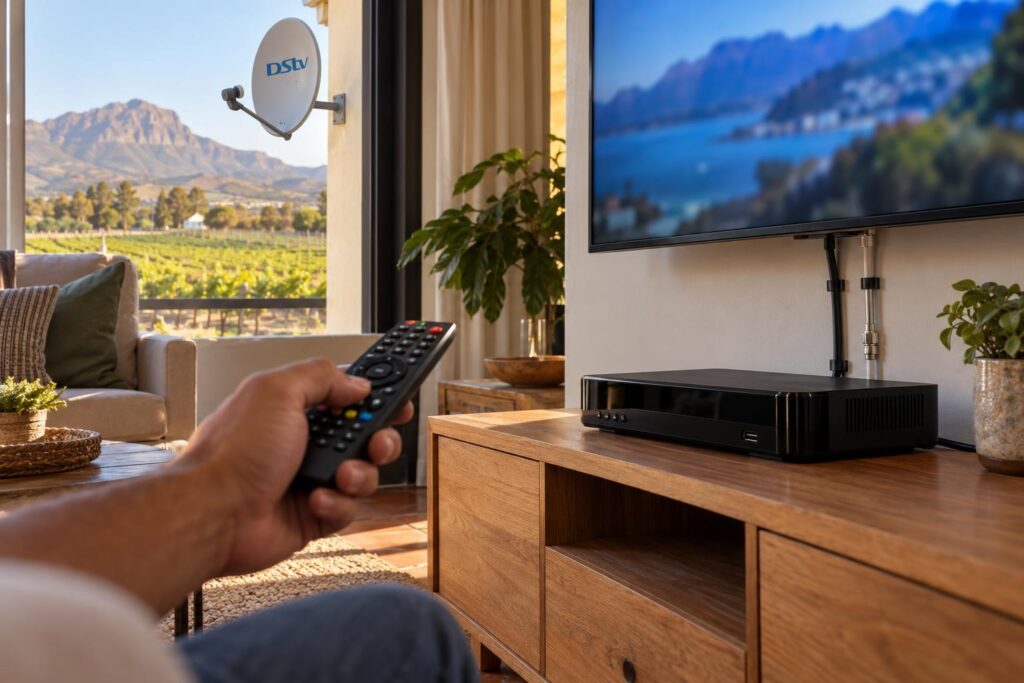
Myth 1: "You need a special app to activate it"
Fact: you do not. OpenView lists three official routes on its help page. They are a USSD code you dial on any cellphone, a WhatsApp number, and a call centre.
The USSD route works on a basic phone with no data at all. That matters on farms out towards Hermon, where mobile data can be patchy but a normal call still goes through.
Myth 2: "It's an SMS you send"
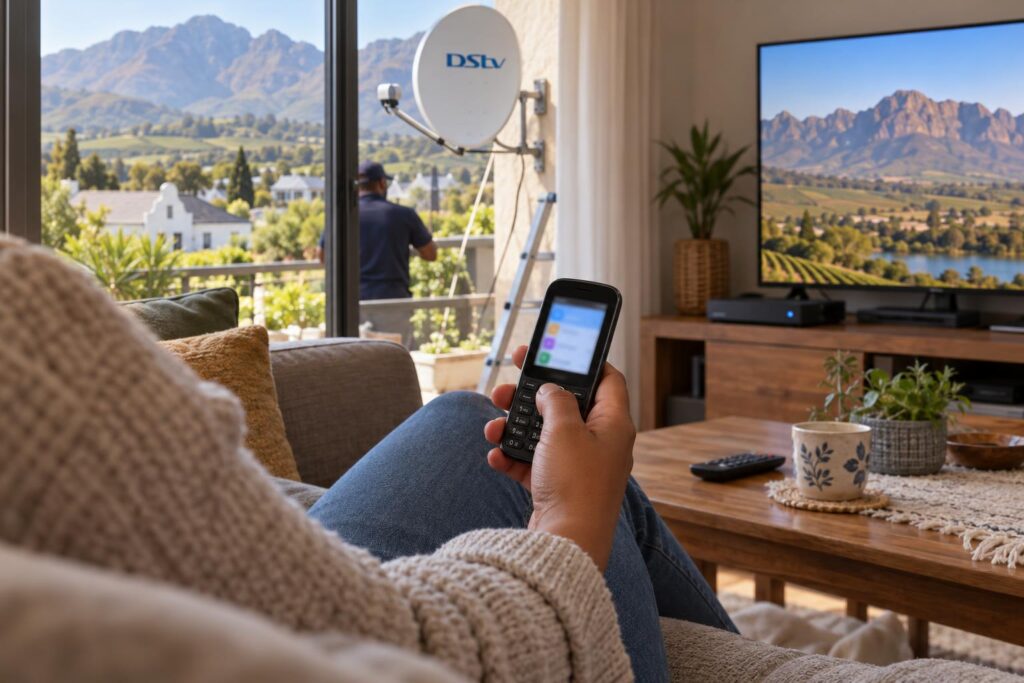
Fact: the main method feels like an SMS, but it is not one. You dial a code that opens a short menu on your phone screen. You choose an option, type your STB number and confirm.
If you send a normal text message to the code, nothing will happen. Dial it like a phone number instead.
Myth 3: "If nothing shows, the decoder is faulty"
Fact: a brand new box shows little or nothing until it is activated. It also needs a clean signal from a correctly aimed dish to receive the activation message.
When a box looks "dead" in Newton or Uitsig, we check the dish and the connectors first. Very often the dish is pointing at the wrong satellite, or a plug has worked loose.
Myth 4: "My DStv dish will pick up OpenView as is"
Fact: OpenView uses a different satellite to DStv. An existing DStv dish usually needs realigning, and often a different LNB, before an OpenView decoder will lock on. We can often adapt what is already on the wall, but it is not plug and play.
What you need before you start
Activation takes five minutes when everything is ready. It takes an hour when one thing is missing. Get these sorted first.
- The decoder plugged into power and into your TV with the HDMI cable.
- The satellite cable from the dish screwed firmly into the LNB IN socket.
- A cellphone with a little airtime. Data is only needed for the WhatsApp route.
- Your STB number, which is the decoder's own ID. Press HELP on the OpenView remote to bring it up.
- About ten quiet minutes with nobody switching the decoder off at the wall.
If your TV says "no signal" before you have even started, the problem is the cabling or the dish, not activation. Our guide to decoder cables and connections shows which plug goes where.
Local tip: The STB number is long and easy to misread on a small screen. Take a photo of the HELP screen with your phone. Then read the digits off the photo while you type. It saves a lot of failed attempts.
How to activate OpenView decoder with your phone (USSD)
This is the method we use on almost every install. It is free of data, quick, and it works on any network. Follow these steps in order.
- Switch on the TV and the decoder. Wait for the decoder to finish starting up.
- Press HELP on the OpenView remote. The help screen shows your STB number and your signal levels.
- Write down the STB number exactly, or photograph it.
- On your cellphone, dial *120*6843*1# and press call. The same code is shown at the bottom right of the help screen.
- Choose the activation option and follow the prompts.
- Type in your STB number when asked, and confirm.
- Leave the decoder alone. It may reboot and update its software, which can take a few minutes.
- Flip through a few channels to check they open.
How long does activation take?
OpenView says to allow a few minutes for the decoder to reboot and update. In our experience the phone part takes two or three minutes. The reboot is the slow bit.
If more than half an hour passes and the screen still asks for activation, stop dialling. Check the signal first, then use WhatsApp or the call centre.
Check the signal on the HELP screen
The same HELP screen shows signal strength and signal quality bars. Quality is the one that matters most for activation. If it is very low, the activation message cannot reach the decoder, even when your phone says "success". You can learn to read signal strength and quality in our separate guide, and the same idea applies to OpenView.
Stuck on the activation screen?
Our team can check the dish, fix the cabling and activate the decoder in one visit, anywhere around Wellington.
How to activate OpenView decoder on WhatsApp or by phone call
The USSD code is not the only route. OpenView also activates decoders through WhatsApp and its call centre, and both are listed on the OpenView help and FAQ page.
| Method | Number | Needs data? | Best for |
|---|---|---|---|
| USSD code | *120*6843*1# | No, only a little airtime | Quick activation on any phone |
| 082 966 6429 | Yes | When the USSD menu keeps timing out | |
| Call centre | 0861 696 843 | No | Talking through an error you cannot clear |
Using WhatsApp
Save 082 966 6429 in your contacts and open a chat. Send your STB number and say you want to activate the decoder. Keep the decoder on and tuned while you wait for the reply.
Calling the call centre
Phone 0861 696 843 with the decoder on and the HELP screen showing. The agent will ask for the STB number and may ask what is on the screen.
OpenView error 200, E04 and E06: clearing error codes
Sometimes a decoder that worked fine suddenly shows an error. OpenView lists codes such as 200, 206, 69, 20, E04 and E06 as ones you can clear yourself with the same USSD code.
- Go to channel 100.
- Dial *120*6843*1# on your cellphone.
- Select option 2 to clear error codes.
- Enter your postal code when asked.
- Follow the prompts, choose the error type, and enter your STB number.
- Wait 5 to 10 minutes for the error to clear. Do not switch the decoder off.
Errors usually pop up after a long power cut, a factory reset, or when a decoder has stood unused for months. If your area still gets outages, keep the USSD code handy for after the power returns.
If the same error keeps coming back, the cause is almost always signal. Our article on common signal problems in Wellington explains the usual culprits, from wind-shifted dishes to water in connectors.
What activation means for Wellington homes
How to activate OpenView decoder boxes is the same everywhere. What goes wrong is very local. Here is what we see around town.
Mountains, oaks and line of sight
Wellington sits under the Hawequa mountains, and many older streets are lined with big trees. In parts of Bovlei and up near Dalsig, a dish can be perfectly aimed but still blocked by a ridge or a branch. The decoder then never receives the activation signal. Moving the dish a few metres often fixes it.
Flats, backyard units and rentals
In Mbekweni and Hillcrest we set up a lot of OpenView for backyard units, flatlets and rooms. One dish can feed more than one decoder if it has the right LNB. Each decoder still needs its own activation with its own STB number.
A neat, correctly specified setup from the start is cheaper than fixing it later. That is exactly what our OpenView HD installation in Wellington covers, from the dish to the first channel scan.
Holiday homes and second-hand decoders
Weekend cottages on the Paarl side and around the Boland often have a decoder that has been off for months. Expect it to need reactivation or an error cleared. If you rent out the place, leave a note for guests with the STB number and the USSD code. Our tips on TV setup for holiday homes cover the rest.
A word on used decoders. Ask the seller to show you the box working, with channels, before you pay. If it will not activate after a few clean tries with good signal, ask OpenView before you assume it is broken.
Winter weather
The first big winter storms test every dish in the valley. Heavy rain and wind can knock a marginal dish just far enough to drop quality. If you set up OpenView in summer with a weak signal, you will know about it by June.
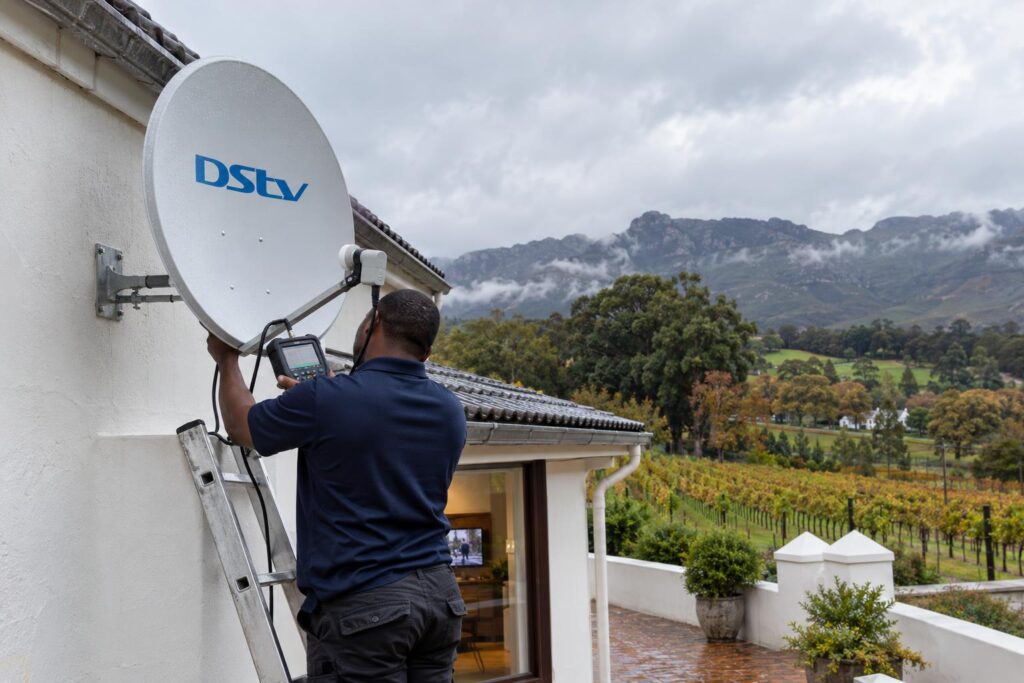
Your OpenView activation checklist
Run through this list before you call anyone. It covers how to activate OpenView decoder setups at home and solves most problems we get asked about.
Key points before and after activation
- Dish aimed at the OpenView satellite, not the DStv one.
- Cable firmly screwed into LNB IN, with no kinks or crushed sections.
- HELP screen shows decent signal quality, not just strength.
- STB number copied exactly from the HELP screen.
- *120*6843*1# dialled as a call, not sent as an SMS.
- Decoder left on for at least 10 minutes after activation.
- Channel list checked once the decoder settles.
Once you are on air, you may wonder what you should be seeing. Our OpenView channels list for Wellington shows every free channel and its number, so you can spot gaps quickly.
Already have DStv in the main house and want OpenView for the cottage? Our local DStv installers in Wellington can set up one dish to serve both, which saves a second hole in the roof.
If you are moving house, take the decoder and remote with you, but remember the dish at the new place must be aimed for OpenView. Our piece on moving a decoder to another house explains what to check.
When to stop trying and call a technician
Learning how to activate OpenView decoder boxes yourself is meant to be easy, and most people manage it. Call for help when any of these apply.
- The HELP screen shows very low or zero signal quality.
- You have tried the USSD code, WhatsApp and the call centre, and the decoder still asks for activation.
- The same error comes back within a day or two of clearing it.
- The dish has moved, is rusted, or was installed for DStv only.
A diagnostic visit starts from R550 on our current price list, and a dish realignment usually falls between R450 and R850. That is often all a stubborn decoder needs. For bigger jobs, a full DStv installation in Wellington or a combined DStv and OpenView setup is quoted after we see the site.
Tell us your suburb, what the screen shows and whether you already have a dish. We can usually tell you over the phone if it is a quick fix.
Want it done properly the first time?
We align the dish, connect the decoder, activate it and check every channel before we leave. Same or next day around Wellington.
How to activate OpenView decoder in Wellington: FAQs
How do I activate my OpenView decoder with my phone?
Press HELP on the remote to see your STB number. Dial *120*6843*1# on your cellphone, choose activation and enter the STB number. Leave the decoder on while it reboots, which takes a few minutes.
Can I activate my OpenView decoder on WhatsApp?
Yes. OpenView lists 082 966 6429 as its WhatsApp number. Send your STB number and ask for activation, and keep the decoder on and connected to the dish while you wait.
Where do I find my OpenView STB number?
Press the HELP button on the OpenView remote. The STB number appears on the help screen, along with your signal levels. Copy it carefully, because one wrong digit will make activation fail.
How long does OpenView take to activate?
Usually only a few minutes after you finish the phone steps. The decoder may reboot and update its software first. If nothing changes after half an hour, check the signal and then contact OpenView.
How do I clear OpenView error 200?
Go to channel 100 and dial *120*6843*1#. Choose option 2 to clear error codes, follow the prompts and enter your STB number. Allow 5 to 10 minutes for the error to clear.
Why is my OpenView decoder not activating in Wellington?
The most common reason is poor signal quality, often from a dish aimed at the wrong satellite or blocked by trees or a ridge. A mistyped STB number is the second most common cause. If both look right, call us on 079 754 5527 and we will check the dish.
Need a hand with this?
We are a quick call or WhatsApp away. Tell us what you are after and we will sort it: neatly, and the first time.
Get a quote →