Explora or HD decoder? We compare recording, Smart LNB needs and installation costs so Wellington homes pick the right DStv box the first time.
Quick answer: Choose the DStv HD decoder if you only watch live TV on one screen and want the lowest cost. Choose the DStv Explora if you want to record, pause and rewind live TV, or plan to add Extra View later. The Explora needs a Smart LNB on the dish, so the installation costs more. For most family homes in Wellington, the Explora pays for itself in fewer arguments over the remote.
Most people who call us about a new decoder ask the same thing: is the Explora worth the extra money, or will a basic HD decoder do? This guide on DStv Explora vs HD decoder Wellington choices answers that plainly. We start with the decision, then compare the two side by side, then cover costs, installation and the mistakes we see every week.
We install both boxes across Wellington, from Newton and Dalsig to the farms out in Bovlei and Hermon. So the advice below comes from real roofs and real lounges, not from a brochure.
DStv Explora vs HD decoder: start with the decision
The DStv Explora vs HD decoder choice is simpler than it looks. It comes down to three questions about how your household actually watches TV.
- Do you ever record, pause or rewind? If yes, you need an Explora. The HD decoder plays live TV only.
- How many TVs will you want in a year or two? If more than one, the Explora is the better base for Extra View.
- Is the dish already fitted with a Smart LNB? If not, an Explora means an LNB upgrade on the roof.
If you answered "no, one, no", the HD decoder is a sensible, low-cost choice. If you answered yes to the first question, stop there and go Explora. We go into more detail on all the boxes, including OpenView, in our guide on which DStv decoder to choose.
DStv Explora vs HD decoder: key points
- The HD decoder is the cheapest way to watch DStv on one TV.
- The Explora records, pauses and rewinds live TV.
- The Explora needs a Smart LNB, the HD decoder does not.
- Both use the same DStv packages. The decoder does not change your monthly bill.
- Recordings stay on the old box. They never move to a new decoder.
Side by side: DStv Explora vs HD decoder compared
Here is how the DStv Explora vs HD decoder match-up looks on the things that matter day to day. We left out the marketing terms and kept to what you will notice on the couch.
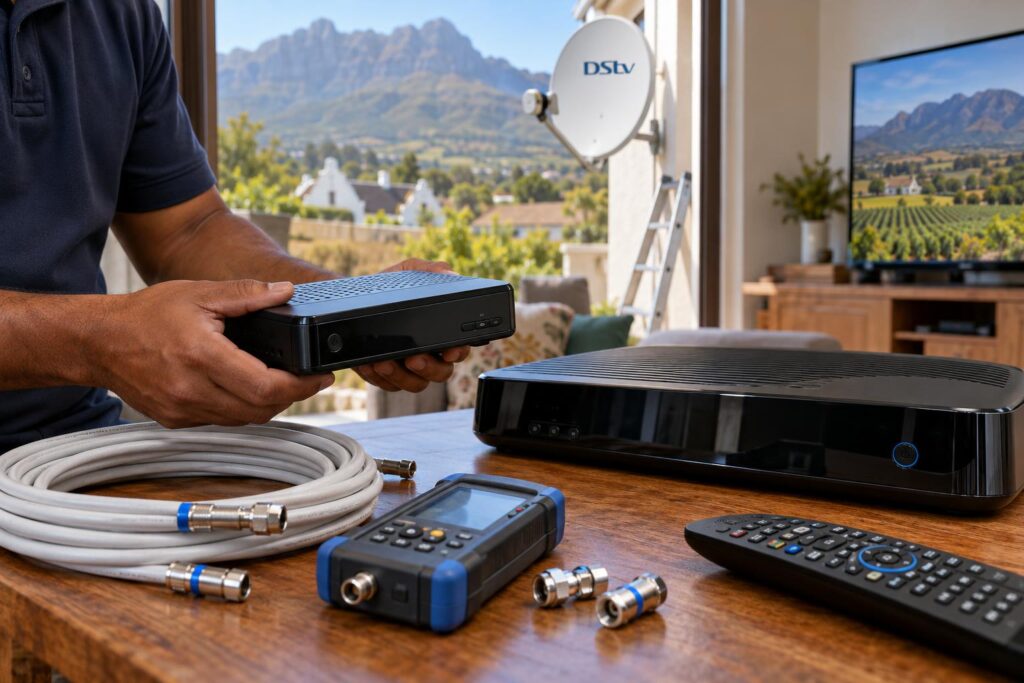
| Feature | DStv HD decoder | DStv Explora |
|---|---|---|
| Live TV in HD | Yes | Yes |
| Record shows | No | Yes, on a built-in hard drive |
| Pause and rewind live TV | No | Yes |
| Catch Up on the box | No | Yes, with an internet connection |
| LNB needed | Standard LNB is fine | Smart LNB required |
| Main decoder for Extra View | Not the usual choice | Yes, the usual choice |
| Installation cost | Lower | Higher |
| Best for | Granny flat, bedroom, holiday unit | Main lounge, family home |
What the HD decoder does well
It is small, simple and quick to set up. Plug it in, scan the channels and you are watching. For a second TV in a bedroom in Uitsig, or a small flat on the Paarl side, it does the job well.
What the Explora adds
The big one is recording. You can set a series to record and never miss an episode, even when the rugby runs late. Pause and rewind sound small, but families tell us it is the feature they would miss most.
If you also stream, there is the Explora Ultra, which adds streaming apps and 4K. We compare that box separately in Explora vs Ultra, so we keep this guide to the classic Explora.
What each option costs in Wellington
With any DStv Explora vs HD decoder comparison, the decoder price and the installation price are two separate things. A lot of confusion starts when a quote blurs the two, so always ask for them split.
DStv Explora vs HD decoder installation costs
These are the typical installation ranges from our own price guide. They cover labour and fitting, not the decoder itself.
| Type of job | Typical range | What drives the price |
|---|---|---|
| HD decoder, single view new install | R800 to R1,500 | Dish, LNB, cable length, roof access |
| Explora or Ultra install | R1,400 to R3,000 | Smart LNB plus the more involved setup |
| Extra View, multi-room | R1,200 to R2,500 | Extra decoder and extra cable runs |
Every property is different, so these are a guide, not a quote. The full breakdown sits in our DStv installation cost guide.
Decoder prices change often
MultiChoice and the big retailers run decoder specials several times a year. Prices can drop or rise from one month to the next. Check the current price on the official DStv website before you buy, then ask us to quote only for the installation.
The hidden cost: the LNB
If your dish still has an old standard LNB, moving to an Explora means fitting a Smart LNB. That is a part plus a roof visit. We explain when a home really needs one in our article on the DStv Smart LNB price.
Not sure which box your home needs?
Send us a photo of your dish and your decoder on WhatsApp. We will tell you straight whether an Explora upgrade needs a new LNB, and what the job will cost.
Installing an Explora or HD decoder: what happens on the day
On installation day, the DStv Explora vs HD decoder gap is mostly about the roof. An HD decoder install is usually quick. An Explora install takes a little longer, mainly because of the Smart LNB and the extra setup.
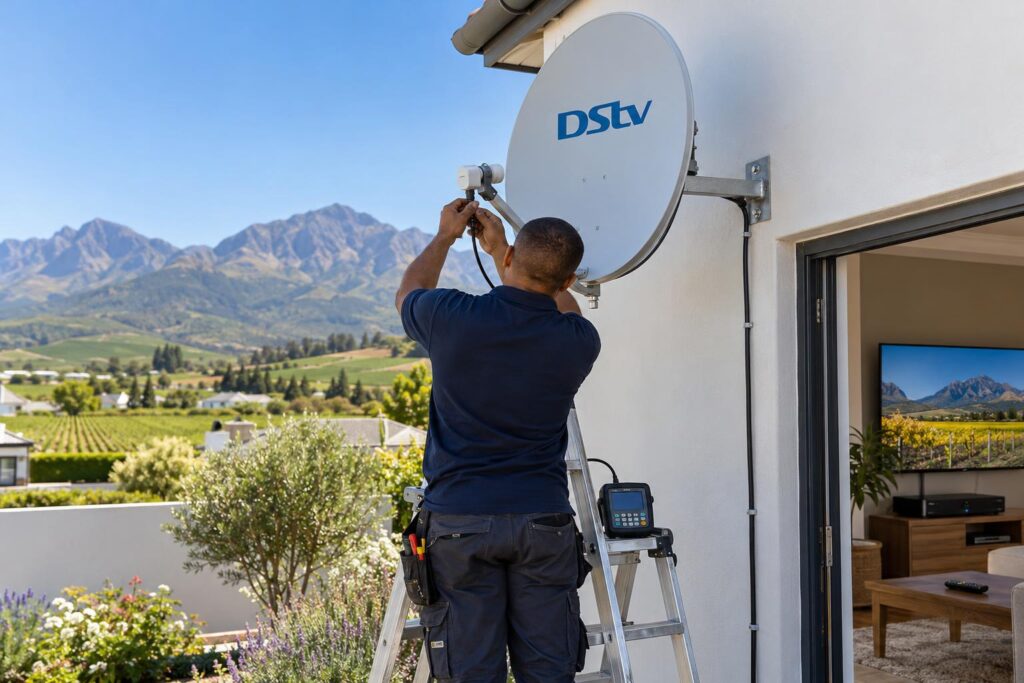
Here is how our team runs a typical job:
- We check the line of sight to the satellite from your roof or wall.
- We fit or check the dish, bracket and LNB. For an Explora, that means a Smart LNB.
- We run neat, clipped cable to the TV point and seal every outdoor connector.
- We align the dish with a signal meter, not by eye.
- We connect the decoder, run the setup and scan the channels.
- We show you how to record, pause and find Catch Up before we leave.
For a brand-new setup from the dish down, see how our new DStv installation service works.
If you already know you want recording, our DStv Explora installation page covers what is included.
Doing the setup yourself
Some people buy a decoder on special and set it up themselves. That can work if the dish and LNB are already right. If the screen stops on a step, our guide to the DStv installation wizard walks through each screen.
Local tip: Wellington winters bring steady rain, and our summer winds are strong. A dish that is slightly loose will drift. Before you upgrade, check the bracket bolts are tight and the cable is clipped, not flapping.
Which decoder suits which Wellington home
The DStv Explora vs HD decoder answer often depends on the house as much as the people in it. These are the patterns we see most around town.
Family homes in Newton, Dalsig and Hillcrest
Busy households with school kids and sport fans usually get the most from an Explora in the lounge. One person records the series, another watches the match later. Many of these homes add a simple second decoder in a bedroom.
Flats, cottages and second TVs
In smaller homes in Uitsig, Mbekweni or on the Paarl side, one TV and live viewing is often all that is needed. Here the HD decoder keeps costs low. If you later want to record, you can upgrade without moving the dish.
Farms and smallholdings in Bovlei and Hermon
Out of town, internet can be patchy. The Explora still records without internet, but Catch Up needs a connection. If your farmhouse WiFi is weak at the TV, read how to connect a DStv Explora to WiFi before you count on Catch Up.
Long cable runs to outbuildings are normal for us. Our local DStv installers in Wellington plan these routes so the signal stays strong all the way to the furthest room.
Holiday homes and rentals
For a unit that stands empty for months, the HD decoder is often the smarter buy. It is simple for guests and cheap to replace. If you rent out a cottage, keep the remote and a short instruction card by the TV.
Explora vs HD decoder mistakes to avoid
Most call-outs after a DStv Explora vs HD decoder purchase come from the same few mistakes. Avoid these and you save a second visit.
- Buying an Explora without checking the LNB. Without a Smart LNB the Explora will not work properly. Check first.
- Expecting recordings to move. Recordings live on the old decoder's drive. Watch what you want to keep before the swap.
- Buying on price alone. Many people pick the HD decoder, miss recording, then pay again to upgrade.
- Ignoring the signal. A new decoder on a weak dish gives the same freezing picture.
- Forgetting load shedding. If power is off when a recording is due, the Explora cannot record it. A small UPS helps.
Check your signal before you upgrade
A good signal matters more for an Explora, because you want recordings without glitches. Our guide on DStv signal strength vs quality shows how to read the numbers in the decoder menu.
Valley homes near the mountains, and houses shaded by big oaks, can sit right on the edge of the signal. Rain then tips them over. A proper realignment usually fixes that for good.
Our honest verdict on DStv Explora vs HD decoder
Our DStv Explora vs HD decoder verdict is short. If you only watch live TV on one screen, the HD decoder is fine. Spend the savings on a properly aligned dish and tidy cabling.
If anyone in your home records, pauses or watches the match later, buy the Explora. It is the box we fit most often in family homes, and it rarely leads to regrets.
- HD decoder: lowest cost, live TV, simple to use.
- Explora: recording, pause, Catch Up, ready for Extra View.
- Either way: a sound dish and signal make the real difference.
Booking DStv installation in Wellington with a team that knows the valley means the decoder you choose works properly from day one.
Ready to choose your decoder?
Stuck on DStv Explora vs HD decoder? Tell us how your household watches TV and where you live. We will recommend the right box and give you a clear installation quote.
Still undecided? Call or WhatsApp us on 079 754 5527 and we will talk it through with you.
DStv Explora vs HD decoder FAQ
What is the difference between the DStv Explora and the HD decoder?
The HD decoder plays live TV only. The Explora also records shows and lets you pause and rewind live TV. The Explora needs a Smart LNB on the dish, while the HD decoder works with a standard LNB.
Is the DStv Explora worth it over the HD decoder?
In the DStv Explora vs HD decoder debate, the Explora is worth it if anyone in your home records shows or watches sport later. If you only watch live TV on one screen, the HD decoder does the job for less. Our Wellington team can help you decide.
Can the DStv HD decoder record?
No. The HD decoder has no hard drive, so it cannot record or pause live TV. You need an Explora for that.
Do I need a Smart LNB for a DStv Explora?
Yes. The Explora needs a Smart LNB on the dish to work properly. If your dish still has an older standard LNB, it must be replaced before the upgrade.
Does the decoder change my DStv package price?
No. The HD decoder and the Explora use the same DStv packages. Your monthly bill depends on the package you choose, not the box.
Can I upgrade from an HD decoder to an Explora later?
Yes. The DStv Explora vs HD decoder choice is not final. You can upgrade at any time, and your dish can usually stay. We will check the LNB, fit a Smart LNB if needed, and set up the new decoder on your account.
Need a hand with this?
We are a quick call or WhatsApp away. Tell us what you are after and we will sort it: neatly, and the first time.
Get a quote →