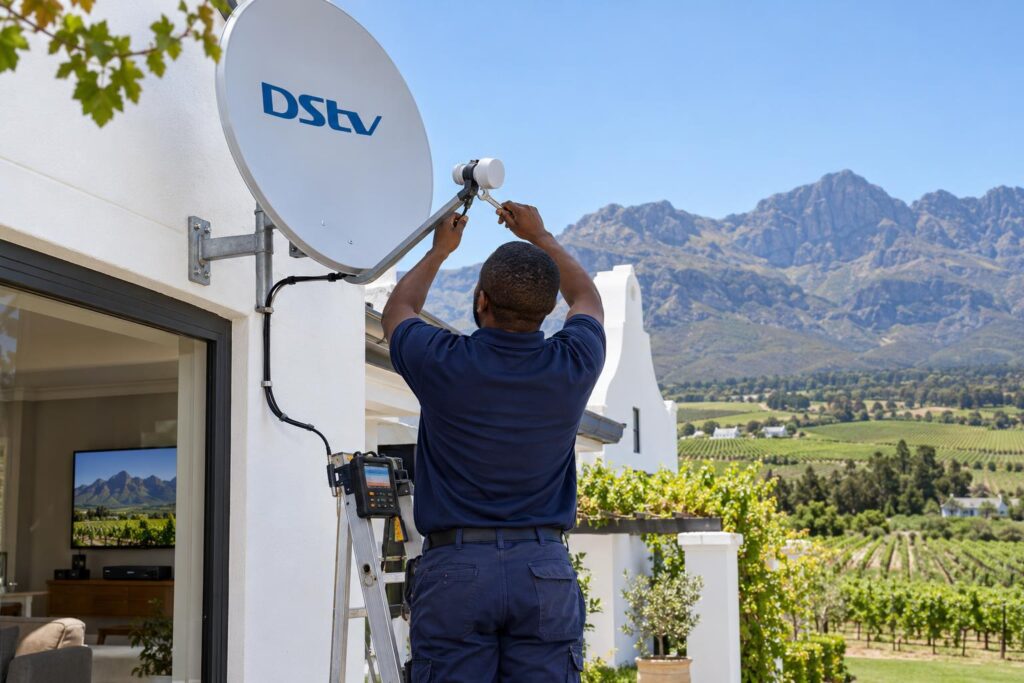
Stuck on the DStv installation wizard in Wellington? We explain every screen, why it stalls on the signal check at step 4, and when a dish, LNB or cable needs a technician.
Quick answer: The DStv installation wizard is the setup menu that teaches your decoder which dish and LNB it is using, checks the signal and loads your channels. Most people in Wellington get stuck on the signal screen, often shown as step 4 of 5. If the bars stay low or empty, the menu is fine. The problem is the dish, the LNB or a cable, and that needs a physical fix.
This DStv installation wizard Wellington guide starts with a scene we know well. It is Saturday afternoon. The power comes back after an outage, the TV goes on, and instead of the rugby you see a setup screen. Below we explain every step of that screen, and why so many people stall on the same one.
We set up decoders across the valley every week. The wizard itself is simple. What trips people up is what it is telling them about the dish outside.
Key points before you start
- The wizard only works if the dish is already pointing at the satellite.
- Do not change the satellite or frequency settings unless a technician asks you to.
- The LNB type must match the LNB on your dish.
- Low bars on the signal screen mean a dish, LNB or cable problem, not a menu problem.
- Never switch the decoder off while it is scanning.
What the DStv installation wizard actually does
Think of the wizard as a short interview between your decoder and your dish. It asks what kind of LNB is on the dish. It checks that a usable signal is arriving. Then it scans and saves your channels.
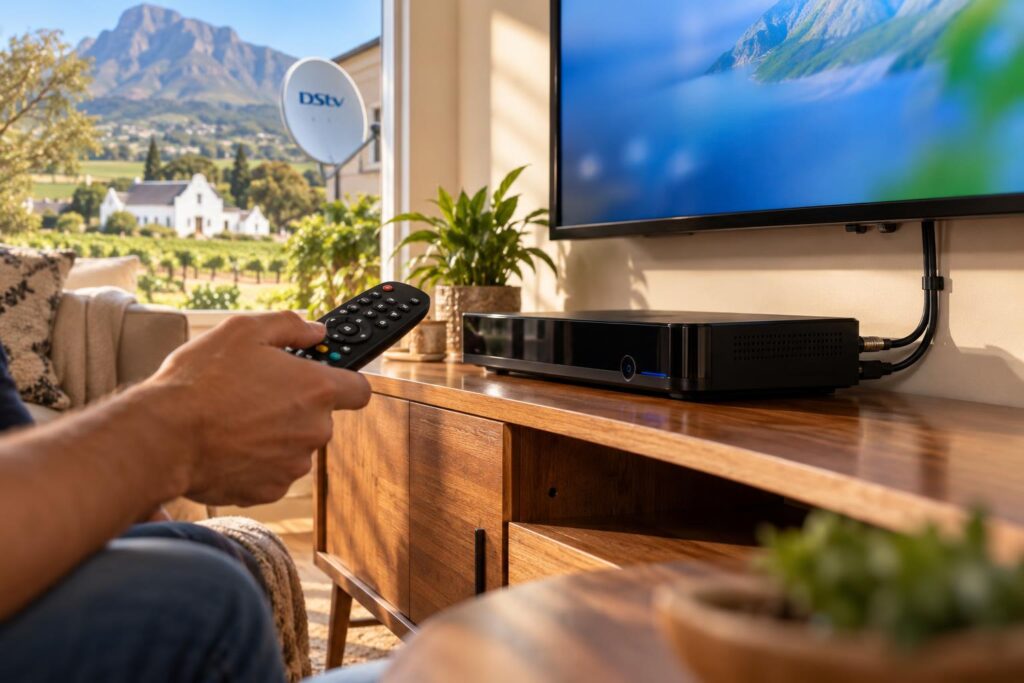
DStv's own Explora quick guide confirms the decoder has an installation wizard to guide you through first time setup. On an Explora, the signal screen wants all three tuners showing signal before you press OK.
Our technicians run the same wizard at the end of every new DStv installation. The difference is that we have already aimed the dish with a meter. So for us, the wizard is a final confirmation, not a guessing game.
Why the DStv installation wizard suddenly appears
The wizard comes up when the decoder has lost its settings or cannot find the satellite when it starts. The most common triggers we see are:
- A power cut or a power surge, especially when the power returns with a spike.
- A decoder reset or a software update that cleared the setup.
- A new or swapped decoder that has never been matched to your dish.
- A move to a new house, or a second home that has been empty for months.
- No signal at all when the decoder starts, so it asks to be set up again.
A two-minute check before you run it
Before you open the DStv installation wizard, rule out the easy things. Many wizard problems are really a loose plug behind the TV cabinet.
- Look outside. Heavy rain or a thick storm cloud can cut the signal for a while.
- Check the cable from the dish is screwed firmly into the decoder's satellite input.
- Check the HDMI cable to the TV is pushed all the way in.
- Switch the decoder off at the wall, wait at least 10 seconds, and switch it on again.
That last step comes straight from DStv's advice for the E48 searching for signal error, which often shows up alongside the wizard.
If you are not sure which cable goes where, our guide to DStv decoder cables and connections shows each port in plain terms.
DStv installation wizard steps, one screen at a time
The wording changes a little between an Explora, an Explora Ultra and an older HD decoder. The flow is the same. Here is how the DStv installation wizard usually runs:
- Start the wizard. The first screen tells you setup is about to begin. Press OK.
- Leave the satellite settings alone. The satellite and frequency values are already set for South Africa. Press OK to move on.
- Check the LNB type. Use the arrow keys to choose the setting that matches your dish. Then move to the scan option.
- Watch the signal screen. The decoder shows signal strength and signal quality. Wait for the bars to rise and settle before you continue.
- Let the channel scan finish. It can take a few minutes. Do not unplug anything, or you will be back at the start.
When the scan ends, the decoder usually restarts and goes to a channel. On a new Explora, extras like Catch Up take a while to appear because they download after setup.
Getting the LNB type right
This screen causes more trouble than people expect. If the decoder thinks it has one kind of LNB and the dish has another, the signal screen can stay empty even with a perfect dish.
Explora and XtraView setups normally run on a Smart LNB. If you are unsure what is on your dish, our article on when a Smart LNB is needed explains how to tell.
The signal screen: give it time
The bars can take a few seconds to settle. Do not press OK the moment one bar appears. Steady, healthy bars on every tuner mean the scan will go through cleanly.
Stuck on DStv installation wizard step 4 of 5
This is the screen that brings most Wellington calls to our phone. The decoder is on the signal check, and the bars stay low, flicker, or show nothing at all.
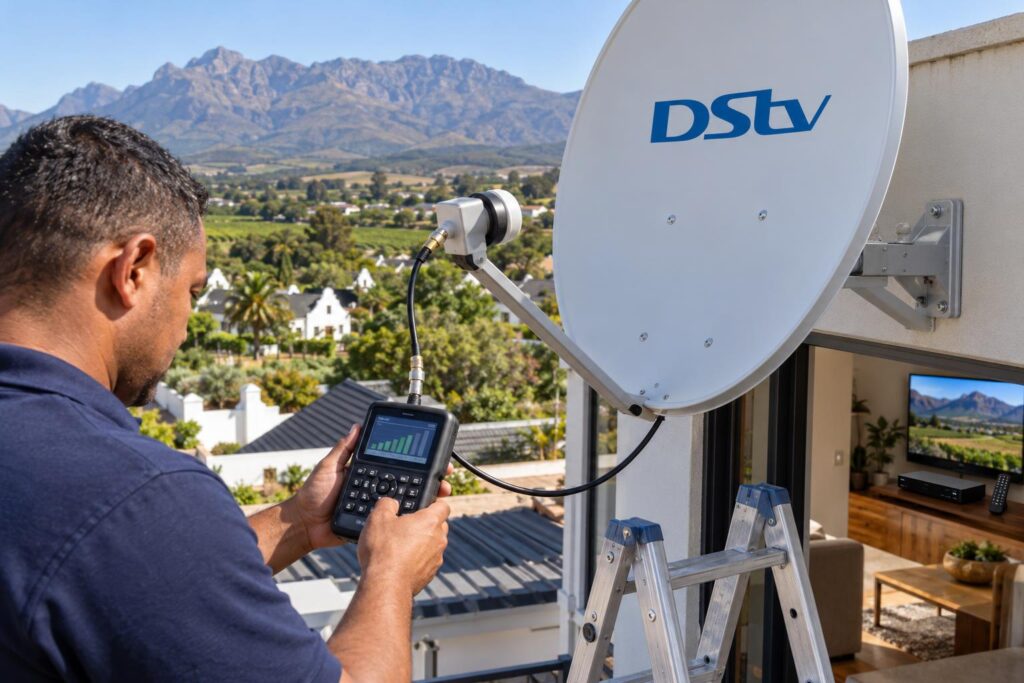
Here is the key thing to understand. That screen is not broken. It is reporting honestly that not enough signal is reaching the decoder. Running the DStv installation wizard again will not change the result.
Low signal strength
Strength is how much signal reaches the LNB from the satellite. If it sits near zero, the dish is usually off target, blocked, or the LNB has failed.
Strength looks fine, quality is low
Quality is how clean that signal is. Good strength with poor quality often points to water in a connector, a tired LNB or a dish that is close to the target but not on it.
We explain both readings in more detail in our article on signal strength versus signal quality.
| What you see on step 4 | Most likely cause | What to do |
|---|---|---|
| No bars at all | Cable unplugged, broken cable or dead LNB | Check plugs, restart, then call a technician |
| Low strength on every tuner | Dish moved or blocked | Dish needs realigning or moving |
| Strength fine, quality low | Water in a connector or a worn LNB | Connector or LNB replacement |
| One tuner low, others fine | Wrong LNB setting or a faulty cable leg | Recheck LNB type, then test the cable |
| Bars jump up and down | Wind moving the dish or a loose bracket | Tighten or replace the mount |
If the dish has shifted, a proper satellite dish alignment with a signal meter is the fix that lasts.
DStv installation wizard not scanning or showing no signal
Sometimes the DStv installation wizard gets past the signal screen and then finds few or no channels. Other times it says no signal from the start. These are the usual reasons:
- The LNB type was set wrong, so the decoder is listening on the wrong output.
- A cable was knocked loose during the scan, or the power dipped.
- The dish is on the edge of the satellite beam. It passes on a clear day, then fails in cloud.
- A splitter or old switch in the cable run is faulty.
- The LNB has worn out after years of sun and winter rain.
Go back to the LNB screen first, because that is free to check. If the setting is correct and the bars are still poor, the fault is outside the house.
If the channels appear but your account shows an error, that part is a subscription issue. DStv's self-help page lists the MyDStv app, the WhatsApp line and other ways to clear it.
Wizard still stuck on the signal screen?
We meter-test the dish, fix the cause and run the wizard with you, so it passes first time.
Why Wellington homes see this screen more often
Wellington sits under the Hawequa mountains, with big oaks in many older streets. Both can get between a dish and the satellite.
Trees, roofs and the mountain line
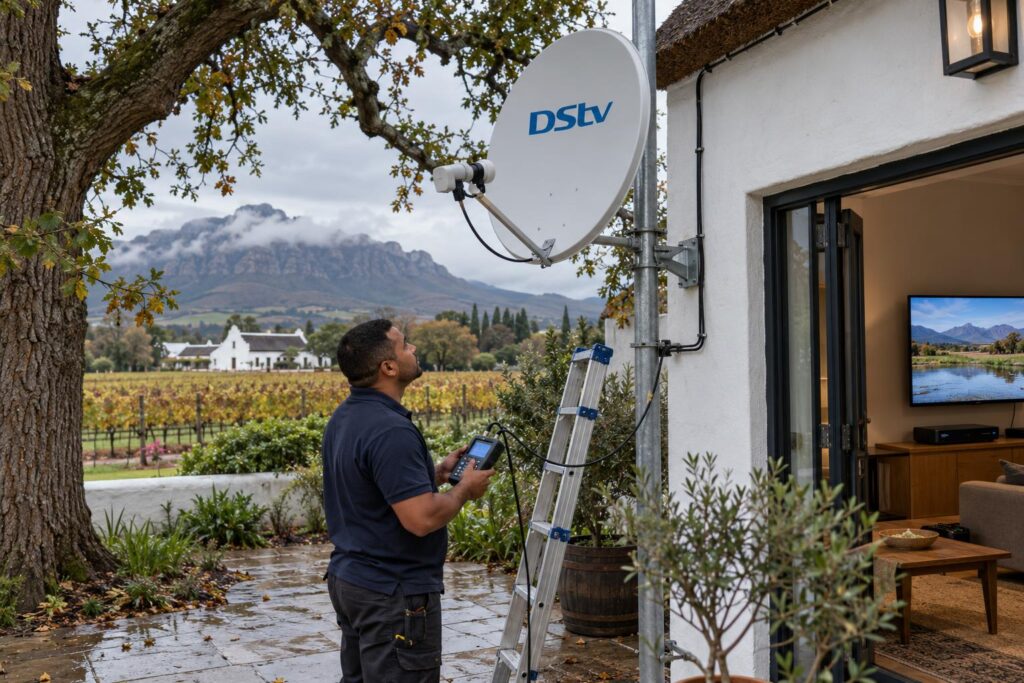
In Hillcrest and Dalsig, a tree that was fine five years ago can now block the view. The signal fades slowly, then the DStv installation wizard appears one winter morning. Our piece on line of sight in the Winelands explains why the angle matters so much here.
Wind, rain and long cable runs
On farms out in Bovlei and Hermon, cable runs to the house or a cottage are often long. Every extra metre and every outdoor joint is another place for water to creep in.
The wind that comes down off the mountains can nudge a dish on a weak bracket. A small shift is enough to fail the signal check.
Power cuts and surges
In Newton, Uitsig and Mbekweni we often get calls right after the power returns. A surge can scramble the decoder's settings or damage the power supply. Our article on protecting your decoder from power cuts covers simple ways to reduce the risk.
In complexes, the dish is often shared, so one fault on the roof can put several units on the wizard screen at once. That is a job for our Wellington DStv installers, not something to fix from your lounge.
Your options when the wizard will not pass
You have three sensible routes. Pick the one that fits what the signal screen is telling you.
| Option | Best for | Limits |
|---|---|---|
| Run it again yourself | Settings lost after a power cut, wrong LNB type | Cannot fix a dish, LNB or cable fault |
| DStv self-help | Account errors once channels are back | Cannot see or move your dish |
| Local technician | Low or empty bars on the signal screen | Needs a visit, quoted before work starts |
If the bars are healthy, try the DStv installation wizard once more yourself. If they are not, stop repeating the scan. Each attempt gives the same answer.
When a visit makes sense, a local team that does DStv installation in Wellington every day can usually find the cause in one trip. We check the cable, the LNB and the dish angle, then run the wizard with you watching.
For holiday homes and rentals, ask the person staying there to send a photo of the signal screen. It tells us a lot before we even arrive.
Local tip: If the wizard fails only after heavy winter rain, the dish is probably sitting on the edge of the signal. Book a realignment in autumn, before the first big storms arrive.
Your checklist before you call us
Run through this list. It either solves the problem or tells us exactly what we are dealing with.
- Weather is clear and the dish has no visible damage.
- Satellite cable is screwed firmly into the decoder.
- Decoder restarted at the wall, with at least 10 seconds off.
- LNB type checked against what is on your dish.
- Satellite settings left on their defaults.
- Photo taken of the signal screen showing both bars.
- Note of any recent roof work, tree growth or strong wind.
With that done, most DStv installation wizard fixes are quick. Send us the photo and your area, and we will tell you honestly what it looks like.
Want it sorted today?
We cover Wellington town, the farms and the Paarl side, with same or next-day repairs where we can.
DStv installation wizard questions from Wellington homes
What is the DStv installation wizard?
It is the setup menu built into DStv decoders. It sets the LNB type, checks that a signal is arriving from the dish and scans in your channels. You see it on a new decoder, after a reset or when the settings are lost.
Why is my DStv showing the installation wizard?
The decoder has lost its settings or could not find the satellite when it started. Power cuts, surges, resets and updates are common causes. Run the wizard and watch the signal screen closely.
Why is my DStv installation wizard stuck on step 4 of 5?
That screen is the signal check. If the bars stay low or empty, not enough signal is reaching the decoder. Check the cable and restart at the wall, and if nothing changes, the dish or LNB needs a technician.
How do I get out of the DStv installation wizard?
The best way out is to finish it, because the decoder needs those settings to show channels. If you exit early, it usually returns the next time it starts. If it will not finish, fix the signal problem first.
Why is the DStv installation wizard not scanning?
The scan needs a usable signal and the correct LNB type. A wrong LNB setting, a loose cable or a dish that is off target will stop it. Recheck the LNB screen, then look at the signal bars.
Can a technician run the installation wizard for me in Wellington?
Yes. We run it as part of every installation, dish alignment and decoder setup. We test the signal with a meter first, so the wizard passes on the first try.
Need a hand with this?
We are a quick call or WhatsApp away. Tell us what you are after and we will sort it: neatly, and the first time.
Get a quote →