Can you take your DStv decoder to a holiday home or another house near Wellington? Yes. Here is what the other house needs, how DStv holiday viewing works and how to fix E16.
Quick answer: "Can I use my DStv decoder at another house Wellington side?" Yes, as long as that house has a working DStv dish aimed at the satellite. Plug in, insert the smartcard and allow up to 20 minutes for your channels to come through. For TV at both houses, ask DStv to set up a holiday home decoder, and remove any XtraView decoder from its link before it travels.
It is Friday afternoon and the car is packed for a weekend at the family cottage. Someone asks the question we hear every holiday season: "Can I use my DStv decoder at another house Wellington side, like the cottage in Bovlei?" The short answer is yes. The longer answer is that a few small things decide whether you watch rugby on Saturday or stare at a "No signal" screen.
We set up, move and reconnect decoders across Wellington every week. This guide starts with the problem, then the causes, then the fixes. At the end we tell you when it makes sense to call us.
Key points before you unplug anything
- A DStv decoder is not locked to one street address. It works wherever there is a correctly aimed DStv dish.
- No dish at the other house means no DStv on the TV. The decoder alone cannot receive anything.
- An Explora needs the right LNB on the dish, not just any old dish.
- A decoder linked in XtraView must be removed from the link with DStv before it travels.
- Two decoders at two homes can share one package using DStv's holiday home options.
Can I use my DStv decoder at another house? What goes wrong
Most people who carry a decoder to a second house hit one of three problems. The screen says "No signal". The channels show but stay blank with an error code. Or everything works for a day, then the decoder at home stops working.
None of these mean the decoder is broken. They mean something in the chain between the dish, the decoder and your DStv account is not matched up yet.
The three messages people see on the first night
- No signal or E48-32: the decoder is not getting a clean feed from the dish.
- E16 "service is currently scrambled": the decoder is picking up the satellite, but your package is not switched on for that decoder.
- XtraView errors: a linked decoder has lost touch with its partner back home.
Why the decoder works at home but not at the other house
The cause is almost always at the new house, not inside the decoder. We check these four things in this order.
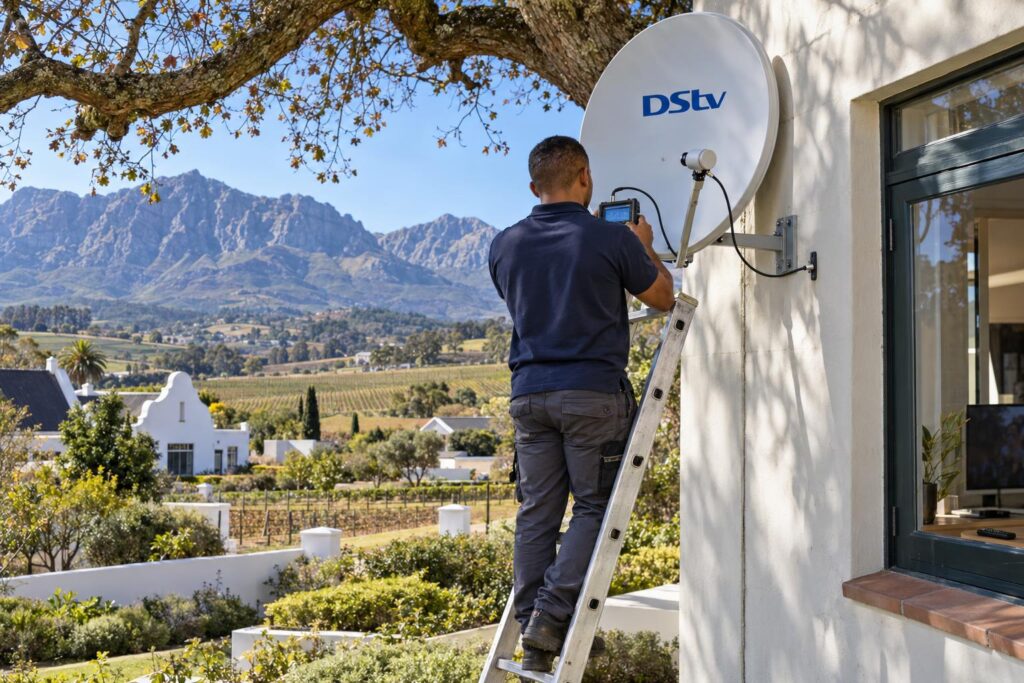
No dish, or a dish that has drifted
Your decoder only translates what the dish collects. If the other house has no dish, there is nothing to translate.
Old dishes are the bigger trap. A dish on a farmhouse in Hermon that has been through a few winter storms off the Hawequa mountains can be a few degrees off. That is enough to lose the picture. Before you blame the decoder, check signal strength and quality on the decoder's menu. The numbers tell you quickly whether the dish is the problem.
An Explora on the wrong LNB
The LNB is the small arm at the front of the dish. An Explora needs a compatible LNB, usually a Smart LNB, to work properly. A plain single-view dish at a rental or a parent's house often has an older LNB that an Explora will not accept.
If that is your situation, our Smart LNB price guide explains what the part costs and when you need one.
A decoder linked in XtraView
XtraView links two or three decoders under one subscription. According to DStv, if you want to take one of them on holiday you must contact them to remove it from your XtraView set-up first.
If you take the primary decoder away, the cabling at home also needs to change so the other decoders can stay linked. Skip this and you get errors at both houses. Our page on XtraView heartbeat errors explains what those messages mean.
An account that has not caught up
DStv switches channels on to a specific decoder and smartcard. If that decoder has been off for weeks, it may need a fresh signal from DStv. This is the classic E16 message, and you can clear it through the DStv app or DStv's support channels.
How to use my DStv decoder at another house, step by step
This is the routine our team follows when someone calls and says, "Help me use my DStv decoder at another house." You can do most of it yourself if the other house already has a good dish.
- Check that the other house has a DStv dish, and that its cable reaches the TV room.
- For an Explora, confirm the dish has a compatible LNB before you leave home.
- If the decoder is part of XtraView, contact DStv to remove it from the link first.
- Pack the decoder, power supply, smartcard, remote and HDMI cable. People forget the power supply more than anything else.
- Connect the dish cable to the decoder's satellite input and the HDMI cable to the TV.
- Switch on with the smartcard inserted. Leave it on a channel for up to 20 minutes, as DStv advises.
- If you see E16, clear it through the DStv app or by WhatsApp to DStv.
- If you see "No signal", check the cable connections, then the signal readings in the menu.
Not sure which plug goes where? The cable from the dish goes into the satellite input on the back of the decoder. The HDMI cable carries the picture to the TV.
Moving for good versus a weekend away
A permanent move is simpler. You take the decoder and your account stays the same. If the new house in Dalsig or Uitsig has no dish, you need one fitted and aimed before the decoder can work.
A weekend away is different. You either carry one decoder back and forth, or you leave a second decoder at the other house permanently. The second option is far more practical for regular visits.
Local tip: Many complexes in Newton and Hillcrest have one shared dish feeding every unit. Ask the body corporate or the managing agent which wall point is live before you plug in. A dead wall point looks exactly like a broken decoder.
Two homes, one package: DStv holiday home options
If you own a second house or a family farm cottage, carrying the decoder every weekend gets old fast. Plenty of owners who first ask us "how do I use my DStv decoder at another house?" end up with a second decoder instead. DStv offers a holiday home service for this. You register a second decoder at the other house and manage it from your account.
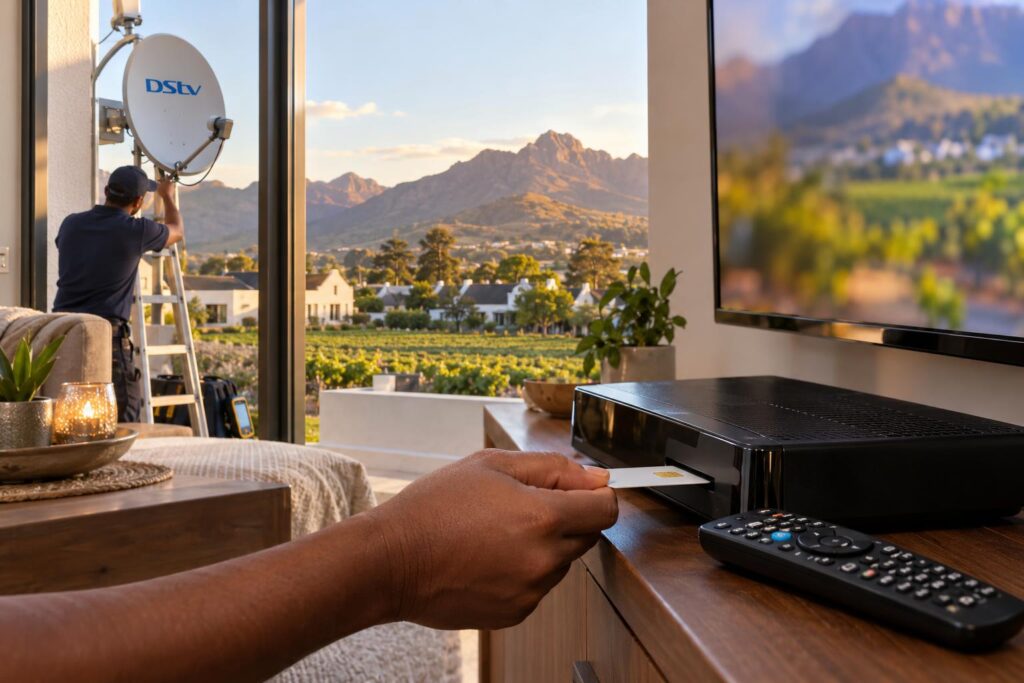
DStv explains the options on its holiday viewing help page. In short, you choose between two settings.
| Option | What happens | What you pay |
|---|---|---|
| Switch | Your package moves to the holiday home decoder. The decoder at home goes off while you are away. | Your normal monthly bill |
| Reconnect | Both decoders stay on, at home and at the holiday house. | Extra for the days you watch away |
| Stream on the DStv app | No second decoder. You watch on a phone or tablet. | Your mobile data or WiFi |
How to switch on the holiday home decoder
You can manage it in MyDStv on the website, in the DStv app, on WhatsApp at 060 060 3788, or with the USSD code *120*68584#. On the website, look for the decoder with the umbrella icon under your products.
Upgrading the package for the holiday
DStv says that if you use Switch, you must upgrade your package on the home decoder before you switch. You cannot change it while the package is swapped over.
A free option for a quiet cottage
If the second house is only used now and then, OpenView may suit it better. There is no monthly bill. Our steps to activate an OpenView decoder cover the whole process.
Not sure the dish at the other house is up to it?
Send us a photo of the dish on WhatsApp. We will tell you whether it needs a new LNB, a realignment or nothing at all.
Second homes, farms and complexes around Wellington
Wellington is full of second homes. Family plots in Bovlei, farm cottages near Hermon, flats rented out to students and holiday lets all end up with a decoder that travels.
Farms and smallholdings
Farm dishes are often mounted on a pole or an outbuilding, far from the house. Long cable runs lose signal, and old joints let in water. We often find the decoder is fine and the cable is the weak link.
Tall oaks and blue gums grow into the line of sight too. A dish that worked five summers ago may now look straight into a tree.
Rentals and family homes in town
In Mbekweni and the older streets of Wellington town, many homes already have a dish from a previous tenant. It usually just needs new connectors and a quick alignment. If you are setting up a property for guests, our article on DStv for holiday homes covers how to make it guest proof.
Load shedding and power dips
A decoder that has been unplugged at the second house for weeks may need time to update and pick up its package again. After a power outage, give it the full 20 minutes before you assume something is wrong.
Will I pay extra to use my DStv decoder at another house?
"Will it cost me anything to use my DStv decoder at another house?" Not if that house already has a good dish. The cost comes in when the dish or LNB needs work. These are the same ranges as in our full DStv installation price guide.
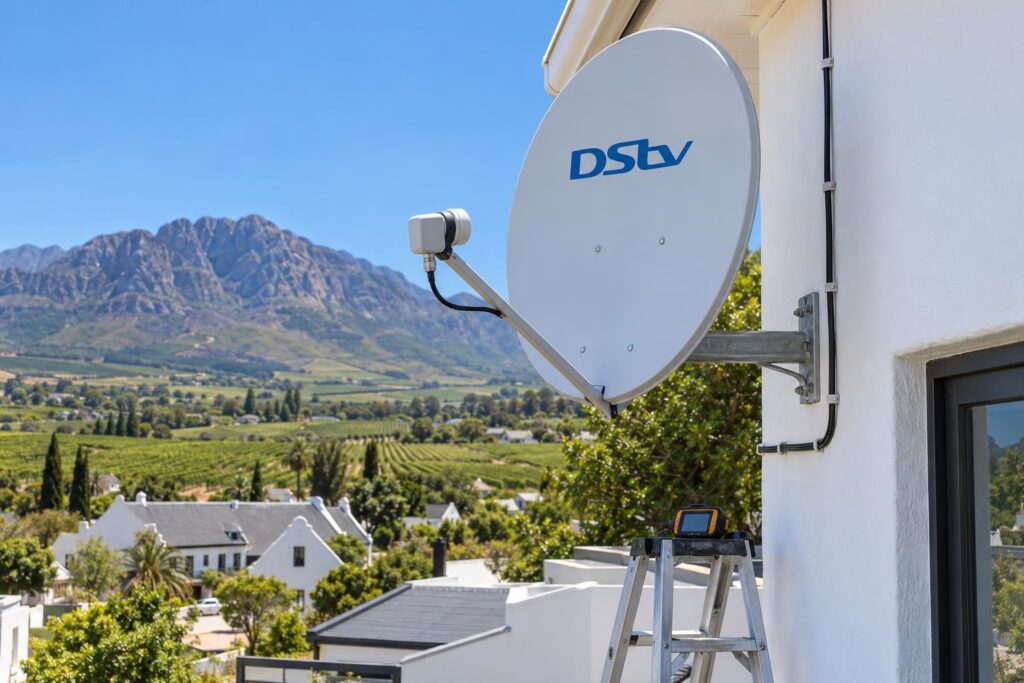
| Job at the other house | Typical range |
|---|---|
| Dish realignment only | R450 to R850 |
| Signal fault repair | R450 to R900 |
| Relocation of a dish to a new home | R700 to R1,400 |
| New single view installation | R800 to R1,500 |
Equipment such as a new LNB or decoder is priced on top of the labour. We always split the two on our quotes so you can see what you are paying for.
Moving house for good? Our DStv relocation and reconnection service takes the dish down at the old place, seals the wall and sets it up again at the new address.
When to call us instead
Most "use my DStv decoder at another house" jobs are plug and play. Some are not, and a ladder on a farmhouse roof in a Boland wind is no place to experiment.
- The other house has no dish, or the dish is bent, rusted or loose.
- The signal readings are low, or the picture breaks up in rain.
- You are taking an Explora to a dish with an old LNB.
- You want a permanent second decoder at a cottage or holiday let.
- You are moving an XtraView setup and need the cabling changed at home.
We handle DStv installation in Wellington and the surrounding valley, from town to Bovlei and over to the Paarl side.
Ask our Wellington DStv installers for a quote, and we will tell you on the phone if the job is a quick realignment or a bigger fix.
Tell us where the second house is and which decoder you have. We will give you a straight answer before anyone climbs a ladder.
Want DStv working at both houses?
Our team will check the dish, fit the right LNB and test the signal, so the decoder works the moment you arrive.
Questions about how to use my DStv decoder at another house
Can I use my DStv decoder at another house without a dish?
No. The decoder needs a DStv dish aimed at the satellite to receive anything. Without a dish, you can still stream on the DStv app over WiFi or mobile data.
Can I use my DStv decoder at another house and keep the one at home on?
Yes, if the second decoder is on your account as a holiday home decoder. Choose Reconnect and both decoders stay on. DStv bills you for the extra days you watch away.
Can I move my DStv XtraView decoder to another house?
Yes, but contact DStv first to remove it from your XtraView set-up. If it is the primary decoder, the cabling at home must change so the remaining decoders stay linked.
Why does my decoder show E16 at the other house?
E16 means the decoder is receiving the satellite, but your package is not active on it yet. Leave the decoder on with the smartcard inserted for up to 20 minutes. If it stays, clear the error in the DStv app or via DStv's WhatsApp line.
Can I use my DStv card on another decoder?
Your DStv account records which decoder and smartcard you use, so it is simplest to move them together. If you want to swap cards or add a second decoder at another house, contact DStv first so your account matches.
How much does it cost to use my DStv decoder at another house in Wellington?
Nothing, if the other house has a working dish with the right LNB. If the dish needs work, a realignment in Wellington typically costs R450 to R850 and a full dish relocation R700 to R1,400, with parts extra.
Need a hand with this?
We are a quick call or WhatsApp away. Tell us what you are after and we will sort it: neatly, and the first time.
Get a quote →