What a DStv Smart LNB really costs in Wellington, from the R449 part to a fitted, tested job, plus which homes need one and the mistakes that make people pay twice.
Quick answer: The DStv Smart LNB price, at the time of writing (October 2026), is R449 recommended retail on DStv's own site. That is the part only. Fitting, alignment and testing are extra, and they usually cost more than the LNB itself. You need a Smart LNB for an Explora and for most XtraView setups, but a single HD decoder normally runs on an ordinary single LNB.
This guide covers the DStv Smart LNB price Wellington homeowners actually pay, and the simpler question behind it: does your house need one at all? We fit and replace these LNBs every week across the valley. Below we compare your options, break down the costs, explain how the job is done and list the mistakes that cost people money.
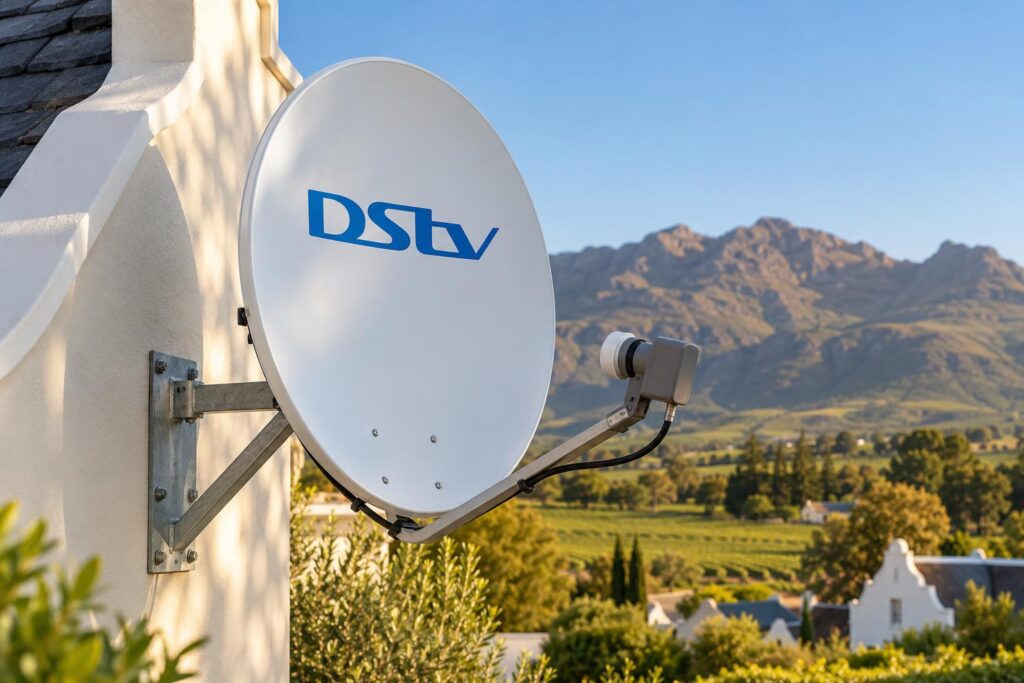
Before we talk about the DStv Smart LNB price, it helps to know what you are buying. The Smart LNB is the small grey unit on the arm in front of your dish. It collects the signal the dish reflects and sends it down the cable to your decoder. The "smart" part is that one unit can feed several decoders without a separate switch box.
Key points before you buy
- The DStv Smart LNB price is R449 recommended retail for the part, at the time of writing (October 2026).
- Explora decoders and most XtraView setups should run on a Smart LNB.
- A single HD decoder normally uses a single LNB, so a Smart LNB is optional there.
- DStv says the Smart LNB is not suitable for complexes and apartments that share one dish.
- Most picture faults are alignment, cable or connector problems, not a dead LNB.
Do you need a DStv Smart LNB? Start with this decision
Before you worry about the DStv Smart LNB price, think about your decoder. The decoder decides which LNB makes sense, not the other way around.
Homes that need a Smart LNB
- You have, or are moving to, a DStv Explora or Explora Ultra.
- You want XtraView, so two decoders in different rooms share one subscription.
- You have one decoder now but plan to add a second room within a year or two.
DStv itself recommends the Smart LNB for all Explora installs and most XtraView installs in a house with its own dish. If you are still choosing a box, our Explora vs HD decoder guide explains which one suits the way your family watches.
Homes that can skip it
If you have one HD decoder and one TV, a normal single LNB does the job. DStv's own guidance says a single view decoder is best installed with a single LNB and an 80cm dish. You can still choose a Smart LNB on an HD decoder, but then the DStv Smart LNB price is added to the job and you only gain if you plan to add rooms later.
Units in a complex are a different story. Many sectional title blocks in Dalsig and Hillcrest share a communal dish, and DStv says the Smart LNB is not made for that kind of building. In that case the body corporate's system decides what your unit can run, so speak to us or the managing agent first.
Not sure which group you fall into? Our team handles DStv installation in Wellington every day, and we can usually tell you over WhatsApp from one photo of your dish and decoder.
Smart LNB vs single, twin and quad LNB compared
There are several LNB types on DStv dishes around town. Here is how they compare for an ordinary Wellington home.
| LNB type | Best for | Cable runs | Works with Explora? |
|---|---|---|---|
| Single LNB | One HD decoder, one TV | One cable | Not the recommended setup |
| Twin LNB | Older setups with two feeds | Two cables | Not the recommended setup |
| Quad LNB with a multi-switch | Some XtraView combos and shared systems | Several cables into a switch | Yes, through the switch |
| DStv Smart LNB | Explora, Ultra and most XtraView homes | One cable per decoder, no switch | Yes, recommended |
The DStv Smart LNB price is easier to justify once you count the missing switch. Each decoder gets its own cable straight from the dish, so decoders can sit in different rooms. DStv also notes that if you start with a Smart LNB on one decoder, you do not need to change the LNB later when you upgrade to XtraView.
Smart LNB ports explained
The common LMX501 model has three UniCable ports and one Universal port. UniCable ports feed Explora and XtraView decoders. The Universal port can feed an older style decoder.
Any UniCable port you do not use must be closed with one of the small 75 ohm caps that come in the box. An open port can weaken the signal and cause linking trouble, which is one cause of XtraView heartbeat errors we see on call-outs.
DStv Smart LNB price in 2026: the part and the fitted cost
There are two numbers to think about. One is what the LNB costs on the shelf. The other is what it costs to have it fitted, aimed and tested on your roof.
The DStv Smart LNB price on its own
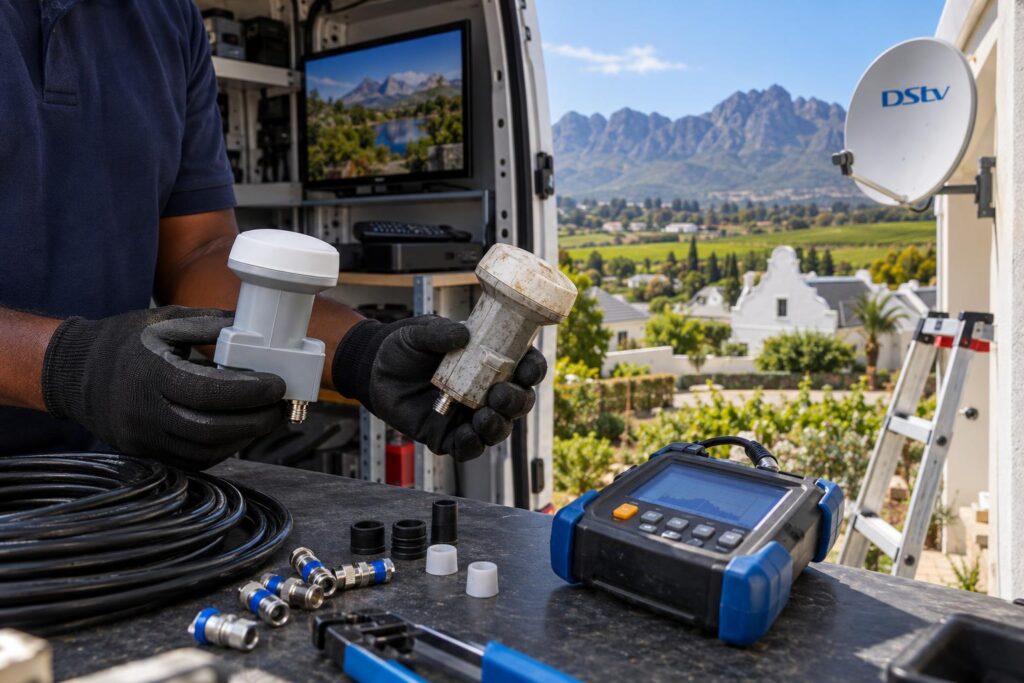
DStv's own help page lists a recommended retail price of R449, at the time of writing (October 2026). It says the part is sold through accredited installers, MultiChoice service centres and DStv agencies.
Shop and online listings for the DStv Smart LNB price move around. Some listings are higher, and some very cheap ones are not a genuine DStv Smart LNB at all. If the box does not clearly say DStv Smart LNB, do not buy it for an Explora.
What fitting adds to the DStv Smart LNB price
The labour is where most of the cost sits. A replacement is a call-out and repair job, and our repair visits start from R550. In our Wellington installation cost guide we list signal fault repairs at R450 to R900, plus the part.
If the Smart LNB goes in as part of a new Explora setup, it is built into a bigger job. Our cost guide puts Explora or Ultra installs at R1,400 to R3,000, because the Smart LNB and decoder setup are part of that visit. Our page on Explora and Ultra installation shows what that visit includes.
| What you are paying for | Guide price |
|---|---|
| DStv Smart LNB part (DStv recommended retail, October 2026) | R449 |
| Repair call-out with diagnosis | From R550 |
| Signal fault repair, part extra | R450 to R900 |
| Dish realignment only | R450 to R850 |
| Full Explora or Ultra install, equipment extra | R1,400 to R3,000 |
These are guide ranges for the full DStv Smart LNB price, not a quote. We confirm the price before any work starts, and we split parts from labour so you can compare properly.
Want a firm price for your Smart LNB?
Send us a photo of your dish and tell us which decoder you have. We will tell you if you need a new LNB or just a realignment.
What changes the DStv Smart LNB price in Wellington
Two homes can need the same part and still get a different DStv Smart LNB price. In Wellington the difference usually comes from the roof, the weather and the length of the cable.
Roof height and access
A dish on a garage wall in Newton is quick to reach. A double storey in Bovlei, or a steep roof with old tiles, takes longer and needs more care. We never rush roof work to hit a price.
Wind, winter rain and summer heat
Our winters bring driving rain, and the summers in the valley get very hot. Over a few years that heat and water can crack a housing or let moisture into a connector. If your picture already breaks up in bad weather, read why signal drops in the rain before you assume the LNB is finished.
Wind is the other one. Dishes on exposed plots out towards Hermon and the farms can be pushed slightly off line. A new LNB on a dish that has moved will not fix anything, which is why our satellite dish alignment service is part of nearly every LNB job we do.
Long cable runs to outbuildings
Smallholdings and farms often want TV in a cottage or flat away from the main house. Each extra decoder needs its own cable from the Smart LNB, so a long run to an outbuilding adds cable and time. Tell us about every room on day one.
How we install a DStv Smart LNB, step by step
Part of the DStv Smart LNB price is labour, so here is what that labour covers. On the roof, most of the work is checking everything around the part.
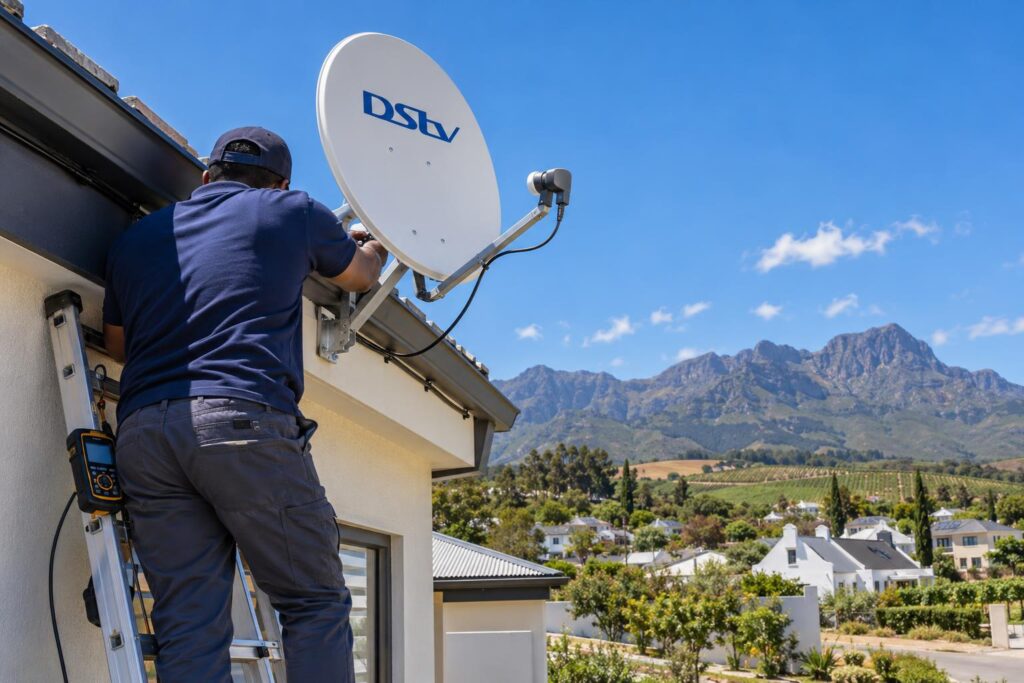
- We note your decoder models and test the signal before touching anything.
- We check the dish, bracket and cable for rust, damage or water.
- We remove the old LNB and fit the new Smart LNB firmly in the arm.
- We connect each decoder cable to a UniCable port and cap every unused UniCable port.
- We seal the connectors against rain.
- We align the dish with a signal meter, not by watching the TV screen.
- We run the decoder setup and confirm strength and quality on every decoder.
- We show you the readings and leave the old part with you.
Good connectors matter as much as the LNB. Our guide to decoder cables and connections shows which cable goes where behind the decoder.
Local tip: After load shedding, give your decoder a full restart before you blame the LNB. A decoder that comes back on without signal is often fine after a proper power cycle.
Is it really the LNB? Signs to check first
Many people pay the DStv Smart LNB price when the real fault is somewhere else. Use these clues before you spend anything.
Signs that point to the LNB:
- Signal drops on a clear, dry day, not only in storms.
- Strength jumps around a lot from minute to minute.
- The LNB housing is cracked, or the connector shows green corrosion.
- Every decoder in the house loses signal at the same time.
Signs that point somewhere else:
- Only one decoder has trouble, which points to its cable or connector.
- The picture breaks up only in heavy rain and comes back after.
- The fault started after strong wind or work on the roof.
You can check signal strength and quality on your own decoder in a few minutes. Write the numbers down. They help us find the fault faster.
Mistakes that push up your DStv Smart LNB price
Most of the extra money people spend comes from a handful of avoidable mistakes. We see them from Mbekweni to Uitsig and out on the Paarl side.
- Buying a cheap universal LNB for an Explora, then paying again for the right part.
- Fitting a new LNB to a dish that has drifted, so the fault stays.
- Leaving UniCable ports uncapped, which weakens the signal.
- Using taped joins or old cable that lets water in.
- Buying a used LNB with no test history.
- Comparing quotes that do not split the part from the labour.
Also check the decoder. DStv notes that very old models, such as the Dual View and SD PVR decoders, cannot receive the newer high band signals even with a Smart LNB fitted. If you still run one, an upgrade may make more sense than a new LNB. Speak to our Wellington DStv installers before you buy either.
The cheapest fix is the right diagnosis. Sometimes that means a new LNB. Often it just means a realignment and a sealed connector.
Book a Smart LNB check in Wellington
We test the dish, cable and LNB as one system, then give you a clear price before we start.
DStv Smart LNB price: questions we hear in Wellington
How much is a DStv Smart LNB in South Africa?
DStv lists a recommended retail price of R449 at the time of writing (October 2026). Shop and online prices can be higher or lower. Make sure the box says DStv Smart LNB and not a universal LNB.
What is the DStv Smart LNB price in Wellington once it is fitted?
You pay for the part plus a repair visit. Our repair call-outs start from R550, and signal fault repairs run R450 to R900 plus the part. We give you a firm price once we know your roof, cable and decoders.
Can I use a Smart LNB with an HD decoder?
Yes. DStv says all its decoders can work with a Smart LNB. A single HD decoder is normally installed with a single LNB, so the Smart LNB is only worth it if you plan to add XtraView or an Explora.
What is the difference between a Smart LNB and a normal LNB?
A normal LNB feeds one decoder, or several through a separate switch. A Smart LNB has the switch built in and can feed several decoders on their own cables. That is why Explora and XtraView setups use it.
Where can I buy a DStv Smart LNB near me?
DStv says the part is sold through accredited installers, MultiChoice service centres and DStv agencies. We can supply and fit it in one visit, so the dish is aligned and tested at the same time.
Can I replace a DStv Smart LNB myself?
You can swap the part, but it is easy to knock the dish off line while you do it. Roof work is also a real safety risk. DStv recommends that LNB replacements are done by accredited installers.
Need a hand with this?
We are a quick call or WhatsApp away. Tell us what you are after and we will sort it: neatly, and the first time.
Get a quote →