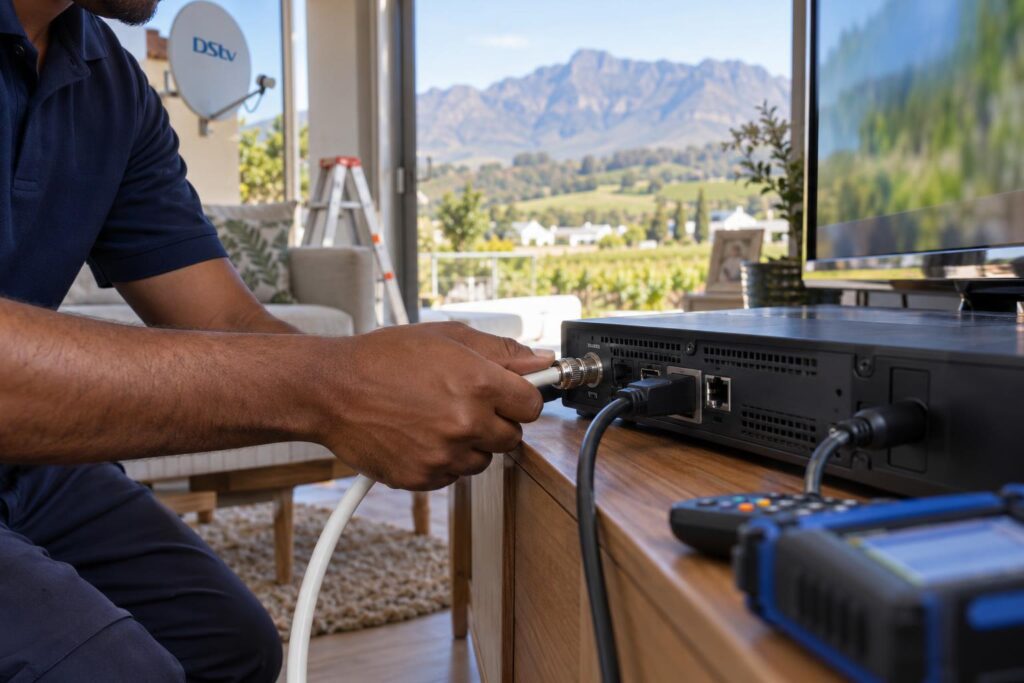
Which DStv decoder cable does what? We bust four common myths, explain HDMI, satellite coax, Smart LNB and Ethernet connections, and share 6 safe checks for Wellington homes.
Quick answer: There are up to four kinds of DStv decoder cables. The round satellite cable (RG6 coax) brings the signal from the dish. The HDMI cable sends picture and sound to the TV. The power cable runs the decoder, and an Ethernet cable or WiFi connector is only for online extras like Catch Up. If you see "no signal", check the satellite cable first. If the TV says "no input", check the HDMI cable.
Most of the calls we get about DStv decoder cables Wellington homeowners make start the same way: "I think a cable is broken, but I don't know which one." The back of a decoder looks busy, and a few stubborn myths make it harder. This guide clears up the confusion, explains what every cable does, and shows what it means for homes in our valley.
DStv decoder cables: the myths we hear most in Wellington
We have pulled decoders out of cabinets in Hillcrest, Uitsig and out on Bovlei farms. The same few beliefs come up again and again. Each myth sends people to the wrong one of their DStv decoder cables.
Myth: all DStv decoder cables do the same job
They don't. Each of your DStv decoder cables has one job only. The satellite cable cannot send picture to your TV, and the HDMI cable cannot bring signal from the dish. When you know which cable does what, you know where to look.
Myth: any TV aerial cable will work for DStv
Old aerial cable is often thin and poorly shielded. It loses signal over a long run and lets interference in. Satellite installs need proper 75 ohm satellite coax, usually called RG6, with screw-on F-connectors.
Myth: an Ethernet cable can replace the dish
The network cable only carries internet. Your live satellite channels still come from the dish. If live TV works but Catch Up doesn't, the dish is fine and the problem is your internet connection.
Myth: a cheap splitter lets you share one cable
A basic TV splitter can block the control signals that a decoder sends up to the LNB. You may get no signal, missing channels or a fight between two decoders. Sharing a dish has to match the LNB and the decoders you own.
The facts: what each DStv decoder cable actually does
Here is the plain version of what DStv decoder cables do, based on the DStv HD decoder quick start guide and the many installs we have done. The back panel of a standard HD decoder has an LNB in port, a USB port, an HDMI port, an AV out port and a power input.
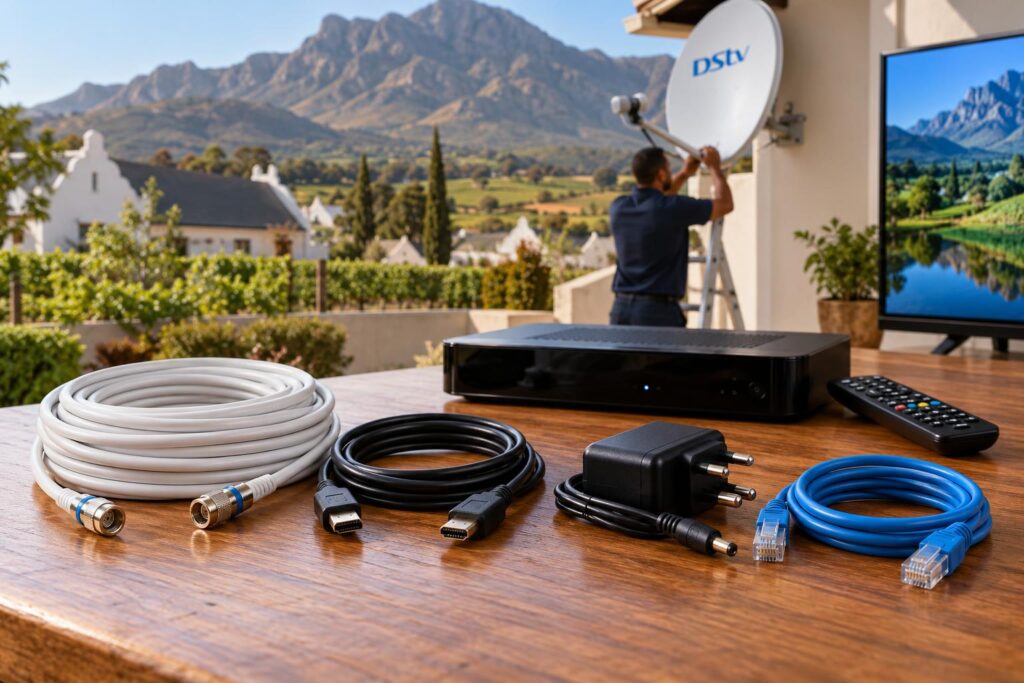
| Cable | What it carries | Where it plugs in | Typical sign it has failed |
|---|---|---|---|
| Satellite coax (RG6) | Signal from the dish, plus a small power feed up to the LNB | "LNB in" or "Unicable in" on the decoder | No signal message, E48-32, channels breaking up |
| HDMI cable | Digital picture and sound to the TV | HDMI on the decoder and the TV | TV shows "no input" or "no source", flickering, no sound |
| AV (RCA) cable | Picture and sound to an older, non-HD TV | AV out on the decoder | Black and white picture, buzzing sound |
| Power supply | Electricity to run the decoder | Power input | No lights, decoder keeps restarting |
| Ethernet cable or WiFi connector | Internet for Catch Up and other online features | Ethernet port on an Explora | Catch Up fails while live TV works fine |
Satellite coax and F-connectors
This is the round, thick cable that runs from the dish to the decoder. It carries the satellite signal down and a small voltage up to the LNB on the dish arm. The copper core must be clean and straight, with no braid strands touching it.
Most real faults we find on DStv decoder cables are at the connectors, not in the middle of the cable. A loose or corroded F-connector on the dish side is the number one cause of a signal that comes and goes.
HDMI cable to the TV
HDMI carries picture and sound in one flat plug. If the decoder lights are on but your TV says "no input", the dish is not the problem. Check that the TV is set to the right HDMI input and try a different HDMI port.
Wall-mounted TVs are hard on HDMI plugs, because the cable gets bent sharply behind the screen. When we do our TV wall mounting service, we use right-angle plugs or leave enough slack so the connector is never under strain.
Power cable and adapter
Always use the power supply made for your decoder model. A plug that fits is not proof that the voltage is right. The wrong adapter can make a decoder freeze, restart or fail for good.
Ethernet or WiFi for online extras
DStv says the most stable way to get an Explora online is an Ethernet cable from the green Ethernet port to your router. You can also use a DStv WiFi Connector. See the official guide on connecting your Explora to the internet.
If your router is far from the TV, our step by step guide shows how to connect your Explora to WiFi and keep it connected.
DStv Explora cable connection with a Smart LNB
The Explora works differently from an older single-view box. It needs a Smart LNB on the dish, and the cable from the dish plugs into the port marked "Unicable in" on the back of the decoder.
Unicable ports vs the universal port
A Smart LNB has several Unicable outputs and one universal output. Unicable outputs let several modern decoders share the LNB without a separate switch. The universal output is there for older decoders that cannot read Unicable.
Both ports take the same screw-on connector, so it is easy to plug into the wrong one. If you swap a cable from a Unicable output to the universal output, the Explora may lose signal or channels. Unused Unicable outputs should have a small cap called a terminator, so they don't weaken the signal.
If your dish still has an old LNB, our Smart LNB price guide explains when Wellington homes need to upgrade.
XtraView and linked decoders
With XtraView, two decoders share one subscription. Each decoder gets its own cable from the Smart LNB, so you don't use a splitter. If one linked decoder loses signal and the other doesn't, the cable to that room is the first suspect.
Linked decoders also check in with each other. When that link fails, you see an error on screen, and our article on fixing XtraView heartbeat errors walks you through it.
Not sure which cable is causing the trouble?
Send us a photo of the back of your decoder and the error on screen. We will tell you honestly if it is a quick fix or a call-out.
What this means for Wellington homes
DStv decoder cables don't fail at random. In our area they fail in a few predictable ways, and the reasons are local.
Winter rain and summer heat
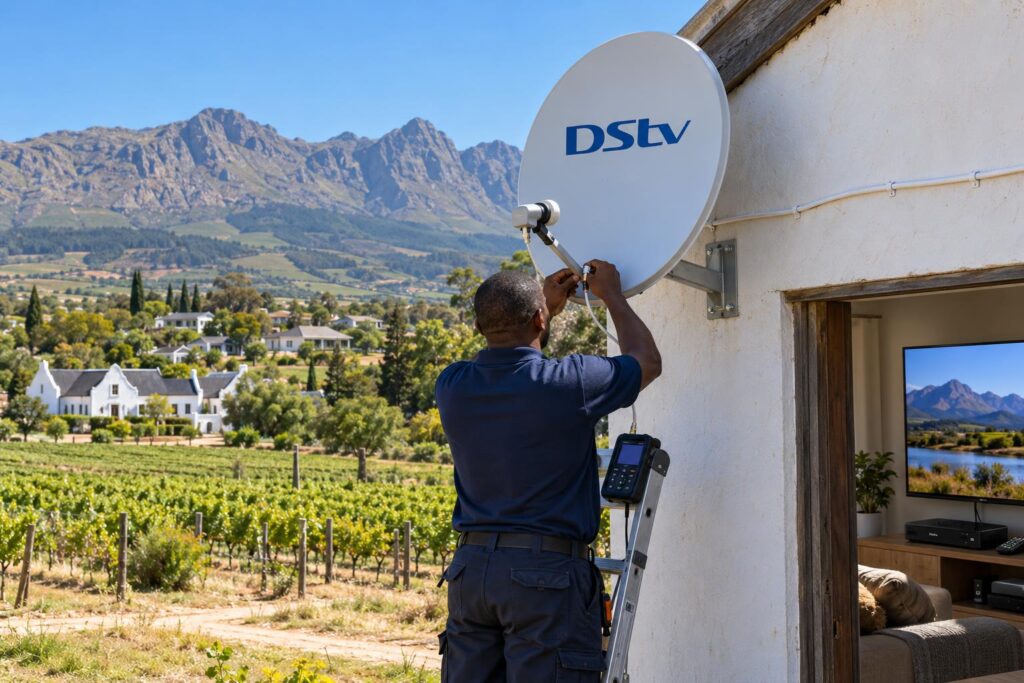
Wellington gets wet winters and hot, dry summers. Rain finds any connector that was never sealed. Hot sun on a north-facing roof dries out cheap cable jackets until they crack.
Water that gets into a coax cable travels along inside it. Changing the connector may help for a week, but the wet section usually has to be cut out or replaced.
Long runs on farms and smallholdings
On farms in Bovlei and smallholdings near Hermon, the dish is often on a shed or pole far from the house. Long runs lose signal, so the quality of your DStv decoder cables matters far more than in a townhouse. We often find thin aerial cable that someone used to stretch an old run.
Long runs are routine work for our Wellington DStv installers, and we test the signal at the decoder end before we pack up.
Complexes in Dalsig and Newton
Many townhouses in Dalsig and Newton share a communal dish. The DStv decoder cables between your wall plate, decoder and TV are yours, but the system behind the wall belongs to the complex. If every unit loses signal, it is a communal fault, not your decoder cable.
Load shedding and power surges
When power returns after an outage, the surge can damage decoders and power adapters. A surge protector at the TV plug is cheap insurance. Our guide on how to load shedding proof your TV covers the simple steps.
Local tip: Before you call anyone, check whether your neighbours in Mbekweni, Uitsig or your complex also lost signal. If the whole street is down during a heavy Boland storm, wait for the weather to clear before you touch any cable.
How to check your DStv decoder cables in 6 steps
You can check your DStv decoder cables safely from inside the house. Never climb onto the roof to look at the dish yourself.
- Read the exact message on the screen and write it down. "No input" points to HDMI. "No signal" or E48-32 points to the satellite cable.
- Check that the decoder has lights on the front. No lights means a power problem, not a signal problem.
- Switch the decoder off at the wall, wait at least 10 seconds, and switch it on again.
- Check the TV input. Press the source or input button on the TV remote and pick the right HDMI port.
- Look at the satellite cable at the back of the decoder. It should be screwed on firmly, without forcing it. Do not move it to a different port.
- Check the signal reading in the decoder menu. A low quality number with a firm cable usually means a dish or outdoor cable fault.
Our guide on how to check signal strength and quality explains what the numbers on that screen mean.
Signs that point to an outdoor cable fault
- The picture breaks up every time it rains, then comes back.
- The signal drops when the wind picks up.
- Only one decoder in the house is affected.
- The cable outside looks cracked, flattened or chewed.
When DStv cables need replacing, and what it costs
Not every fault needs new DStv decoder cables. A loose connector takes a few minutes to fix. A cable that has had water in it for months usually has to go.
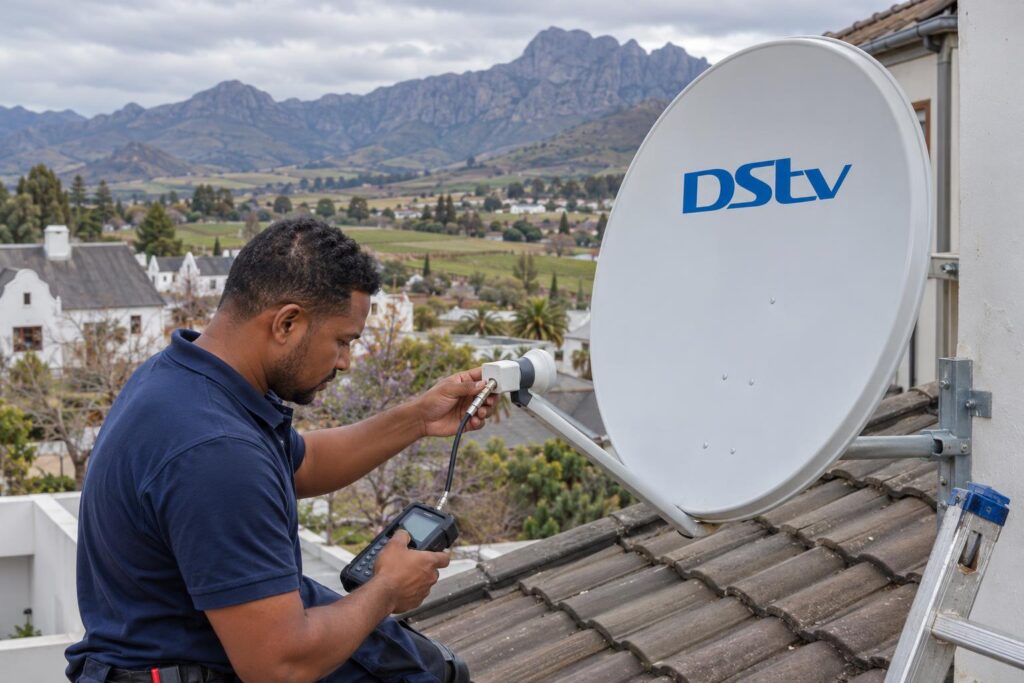
Replace the cable when you see any of these:
- Green or white corrosion inside the F-connector.
- A cracked or sun-faded outer jacket on the roof.
- Thin aerial cable used anywhere on the satellite run.
- Joins in the middle of the run that are taped instead of properly connected.
These are the typical ranges from our DStv installation cost guide. They are a guide, not a quote, and equipment is usually priced separately.
| Type of job | Typical range |
|---|---|
| Signal fault repair (cable, connector or LNB) | R450 to R900 |
| Dish realignment only | R450 to R850 |
| Single view, new install | R800 to R1,500 |
| Explora or Ultra install | R1,400 to R3,000 |
If your whole setup is old, patching one cable at a time can cost more in the end. A full new DStv installation service gives you a new dish, LNB and cable run, sealed and tested in one visit.
Either way, booking a proper DStv installation in Wellington means the cable is run, clipped and sealed once, so you are not calling again after the first winter storm.
DStv decoder cables checklist for Wellington homes
Your quick cable checklist
- Satellite cable is RG6 satellite coax, not old aerial cable.
- Every outdoor F-connector is sealed against rain.
- No basic splitter on the satellite line.
- Explora cable sits in the "Unicable in" port.
- Unused Smart LNB outputs have a terminator cap.
- HDMI plug is not bent hard behind a wall-mounted TV.
- Decoder uses its own matching power supply on a surge protector.
- Ethernet or WiFi is set up only for online features.
Before you swap or upgrade a decoder, take a photo of the back and label your DStv decoder cables by what each one does. Two black coax cables can look the same but feed different decoders.
Want your cables checked properly?
We cover Wellington town, Newton, Hillcrest, Dalsig, Mbekweni, Hermon, Bovlei and the Paarl side. We test the signal at your decoder with a meter, not by eye.
DStv decoder cables: frequently asked questions
Which DStv decoder cables do I need to connect a decoder to my TV?
You need a satellite coax cable from the dish to the decoder, an HDMI cable from the decoder to the TV, and the decoder's own power supply. An Ethernet cable is only needed for online features on an Explora.
Can I use ordinary TV aerial cable for DStv?
We don't recommend it. Use 75 ohm RG6 satellite coax with proper F-connectors. Old aerial cable loses signal on longer runs and lets in interference.
Why does my TV say "no input" when the DStv decoder is on?
This is an HDMI or TV input problem, not a dish problem. Check the TV is on the right HDMI input, reseat the HDMI cable, and try another port or a cable that you know works.
Which port does the DStv Explora cable connect to?
On an Explora, the cable from the dish goes into the port marked "Unicable in". It must come from a Unicable output on a Smart LNB, not the universal output.
Can I split my DStv decoder cable to run two TVs?
A basic splitter can block the control signals the decoder sends to the LNB. For a second decoder, run a separate cable from the Smart LNB.
Do DStv decoder cables need replacing after a storm?
Only if water has got in or the cable is damaged. If the signal returns once the rain stops, the cable may still be fine. If it keeps dropping, a technician should test the run and the connectors.
Need a hand with this?
We are a quick call or WhatsApp away. Tell us what you are after and we will sort it: neatly, and the first time.
Get a quote →